
Prime Day 2026 Playbook: Last-Mile Prep Checklist
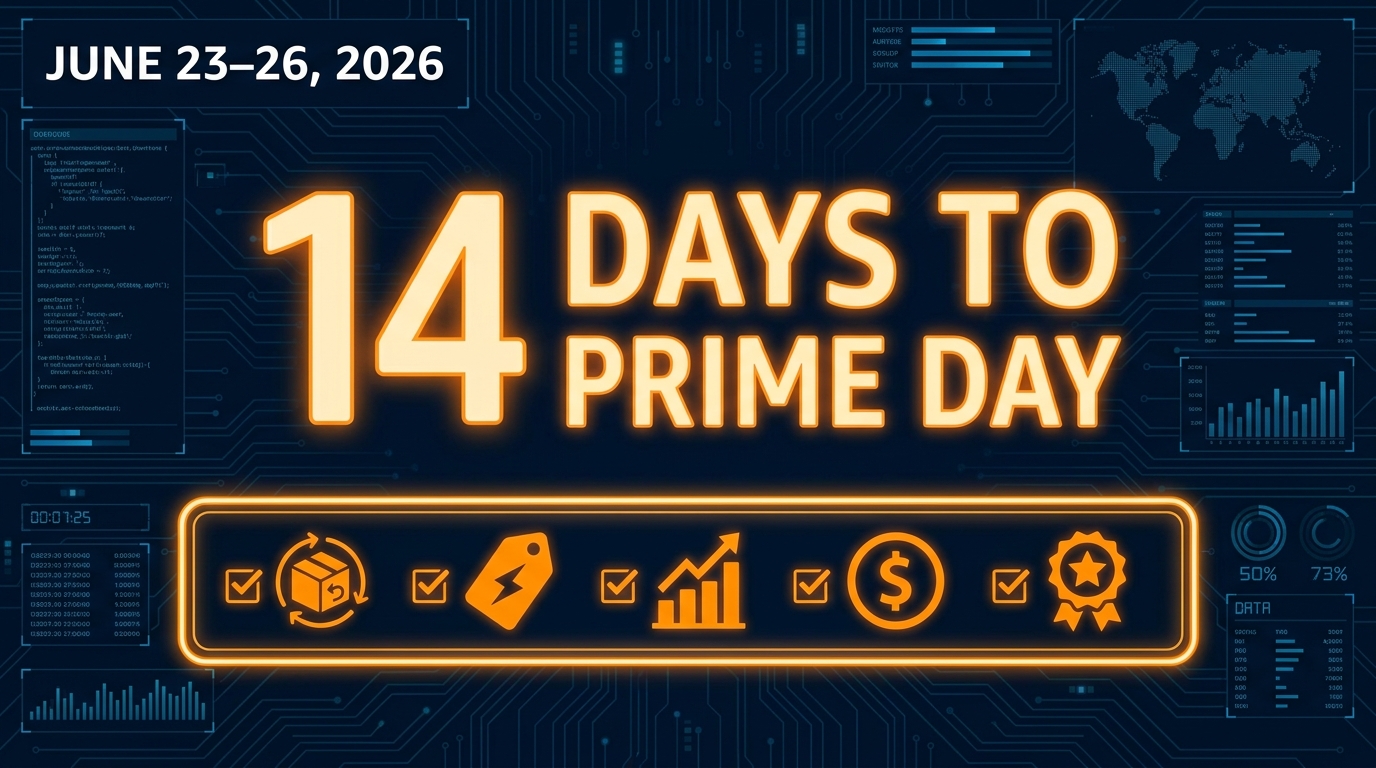
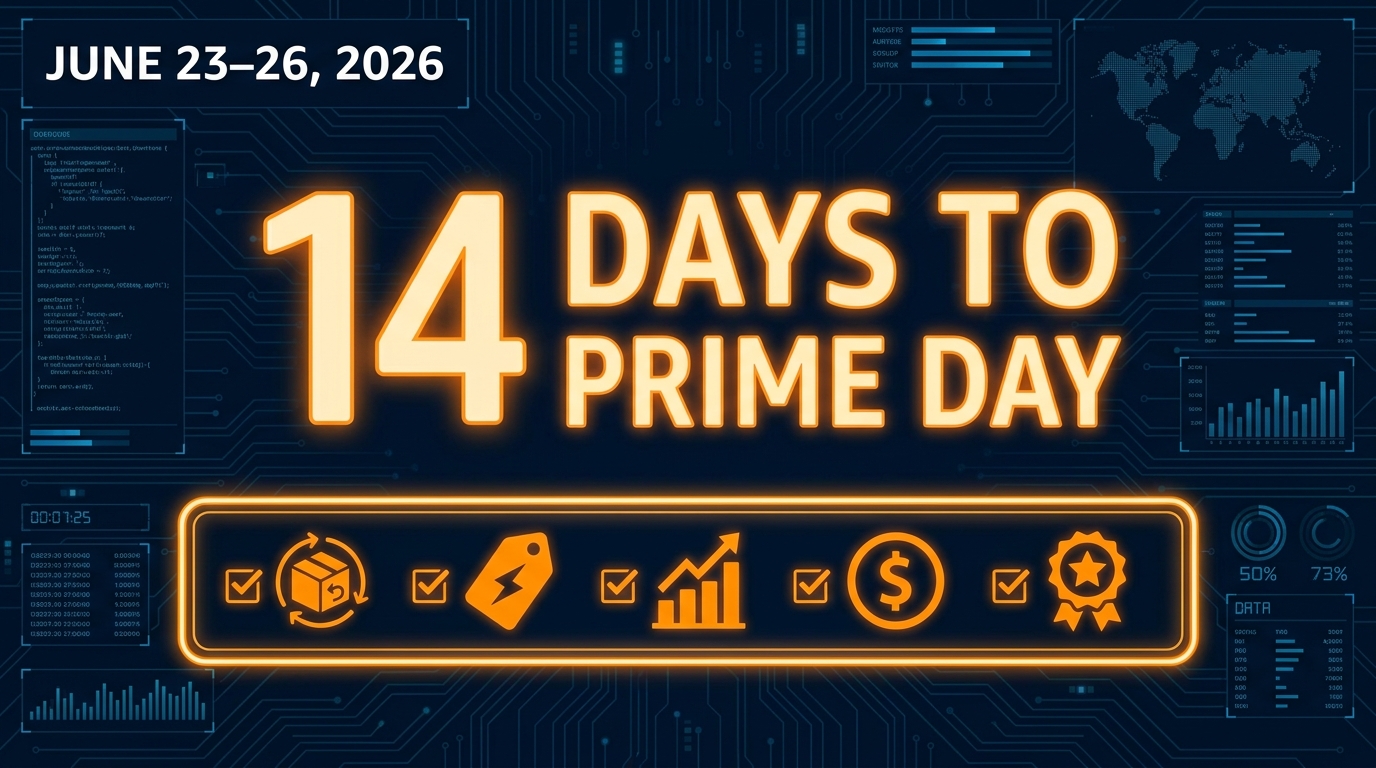
Prime Day 2026 runs June 23–26 — four days of compressed, high-velocity selling that will reward the prepared and punish the reactive. If you are reading this with less than two weeks to go, you are in last-mile territory. That means no time for strategy pivots or new product launches. What you can and must do right now is execute a tight operational checklist: confirm your inventory is in position, lock your deal submissions, pressure-test your listings, architect your PPC for burst traffic, and build the monitoring routine you will live inside for 96 hours straight.
This playbook is built for Amazon sellers and marketplace operators who already know what they are selling and need a ruthlessly specific action list to close the gaps before the clock runs out.
1. Inventory Triage: Know Your Numbers Before You Touch Anything Else
Every other decision in your Prime Day prep cascades from inventory reality. Before you finalize ad budgets or submit deals, you need a clean, current picture of units available to sell at each fulfillment node — FBA, FBM backup, and any 3PL overflow you have staged.
FBA Inbound Cut-Off
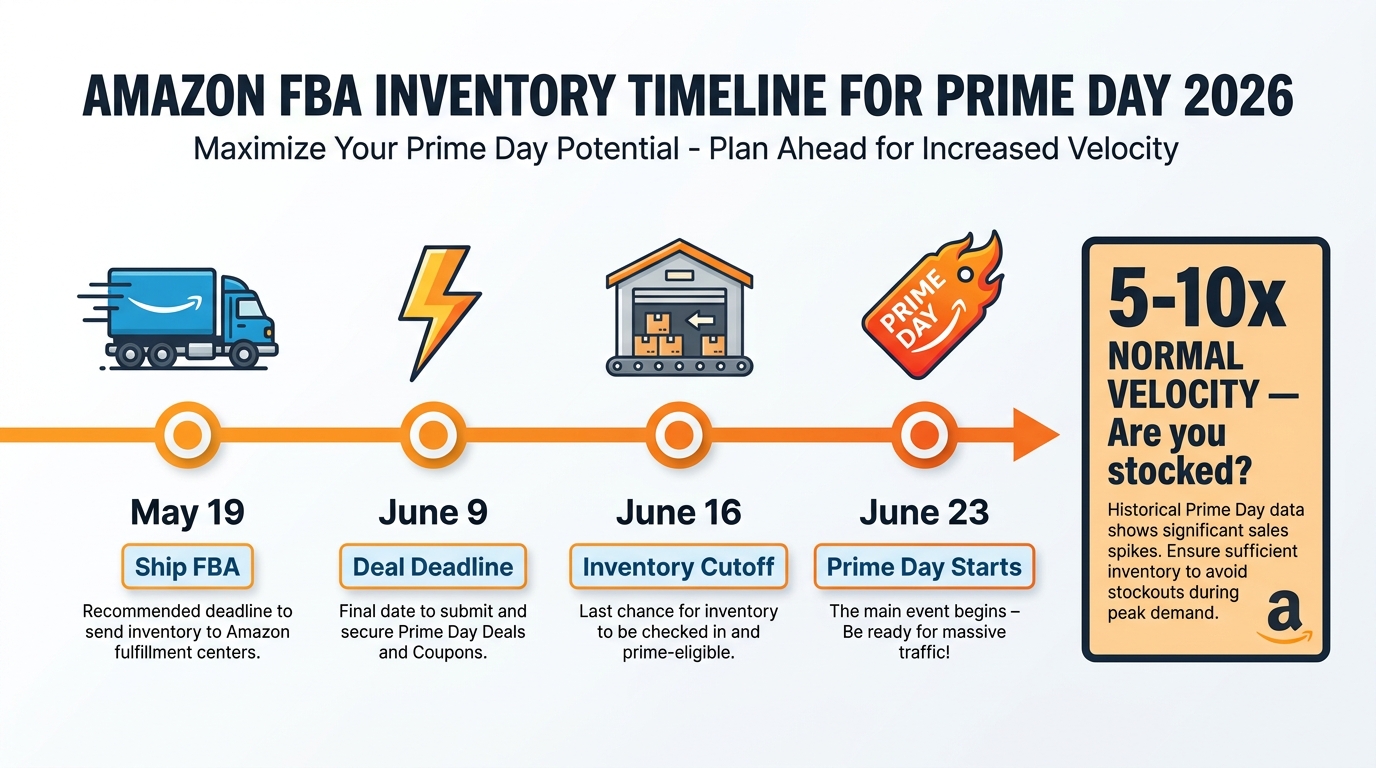
Amazon’s FBA inbound receiving cut-off for Prime Day 2026 badge eligibility falls approximately two weeks before the event. If your shipments are not already checked in, do not count on them being available during the sale window. Pull your inbound shipment report today and reconcile expected units against confirmed received units. Any gap greater than 15% on a high-velocity ASIN is a risk you need to mitigate with FBM offers or price-floor decisions.
Days of Cover Calculation
Run a quick days-of-cover model for each ASIN you plan to promote. Take your trailing 30-day sell-through rate, multiply it by a conservative 3x Prime Day lift multiplier (use 5x for category leaders), and confirm you have enough inventory to sustain 96 hours at that pace without hitting zero. Stockouts during Prime Day do not just lose the sale — they reset your BSR momentum and hand velocity data to competitors.
- Pull FBA inventory health report from Seller Central → Reports → Fulfillment
- Cross-reference with inbound shipment status for any open POs
- Flag any ASIN with fewer than 72 hours of cover at 3x velocity
- Set up FBM as a backup offer on flagged ASINs before June 20
- Confirm reorder quantities are staged at your 3PL for post-event replenishment
Inventory Positioning Across FC Network
Amazon’s AWD (Amazon Warehousing and Distribution) and FBA Inbound Placement fee structure means your units may not be distributed evenly across fulfillment centers. If you placed a single-location inbound shipment to save on placement fees, you could face split-region coverage gaps during high-demand periods. Check your geographic inventory distribution in the Inventory Dashboard and, if possible, transfer units between FCs using a placement-optimized re-shipment before the cut-off window closes.
2. Deal Readiness: Confirm, Test, and Stress-Test Every Promotion
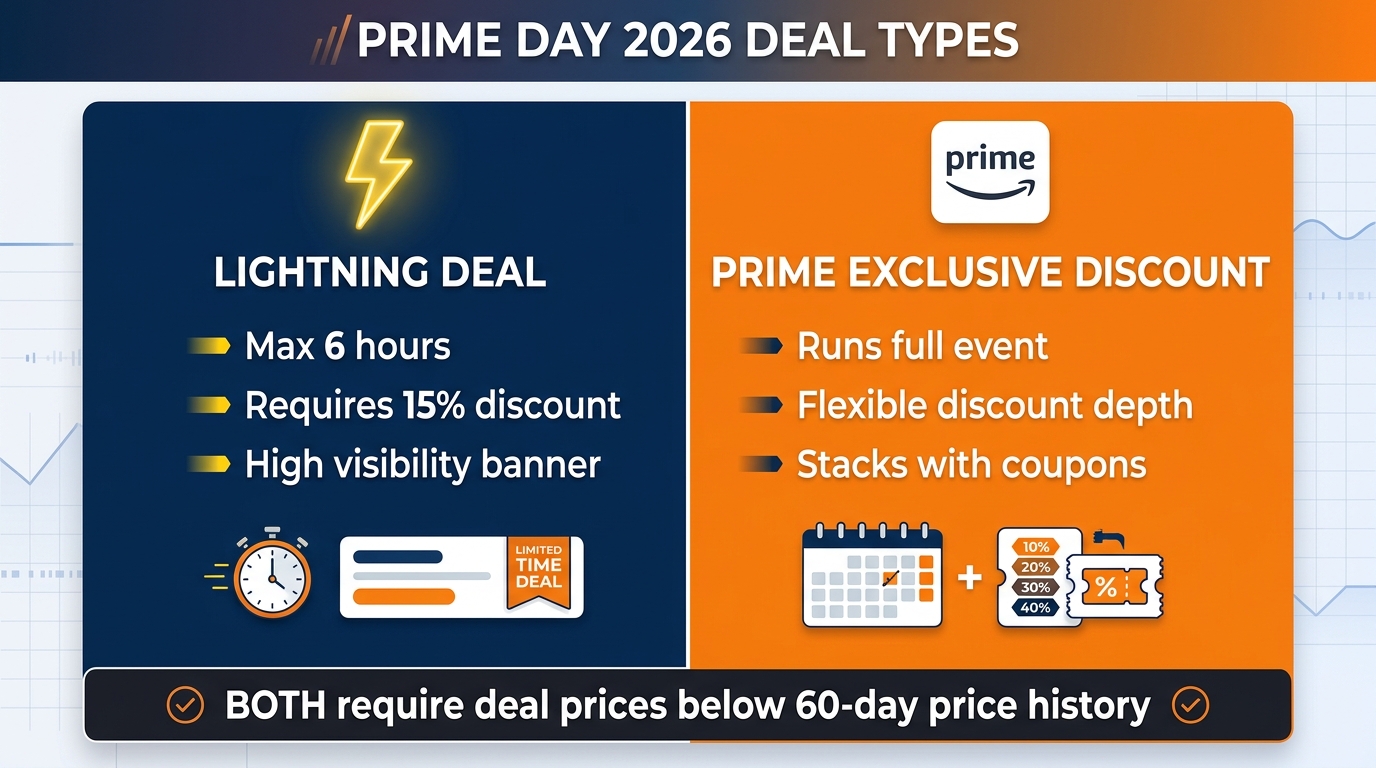
If you submitted Lightning Deals, Best Deals, or Prime Exclusive Discounts through Seller Central, they are either approved, pending, or suppressed. Right now you need to audit each one with fresh eyes.
Lightning Deal and Best Deal Audit
Navigate to Advertising → Deals in Seller Central and filter by status. Approved deals need a final price and quantity confirmation — Amazon will suppress a deal if your available inventory drops below the minimum threshold between now and go-live. Pending deals may still require action on your part. Suppressed deals are dead unless you can resolve the suppression reason (typically a price increase above the original deal reference price or a listing quality issue).
Prime Exclusive Discount Mechanics
Prime Exclusive Discounts (PEDs) are your most flexible last-mile tool because you can create and modify them closer to the event than Lightning Deals. The discount must be at least 20% off the non-Prime price and must beat your lowest price in the trailing 30 days to earn the strike-through display. Confirm your reference price is accurate. If your listing has been running a coupon, Amazon may have absorbed the coupon price into the reference price calculation, making your required discount deeper than you planned.
- Audit all deal statuses: Approved / Pending / Suppressed
- Verify deal inventory quantity meets Amazon minimum thresholds
- Confirm deal price is below 30-day lowest price to trigger strike-through
- Create PEDs on secondary ASINs that missed the Lightning Deal window
- Set deal start/end times in UTC — verify against your local timezone
- Screenshot approved deals as proof in case of suppression disputes
Coupon Stack vs. Deal Conflict
Running both a coupon and a PED on the same ASIN can create a pricing conflict that Amazon’s system flags. As a rule, pause active coupons on ASINs running Lightning Deals or PEDs 48 hours before the event starts. Reactivate coupons post-event as part of your velocity maintenance strategy.
3. PDP and Creative Checks: Your Listing Is Your Storefront
During Prime Day, millions of shoppers who have never encountered your brand before will land on your product detail page. Your PDP has 3–5 seconds to convert intent into click-to-cart. A sloppy listing on a normal Tuesday costs you incremental sales. A sloppy listing on Prime Day costs you a season.
Listing Quality Audit
Run every promoted ASIN through the Listing Quality dashboard in Seller Central and resolve any critical suppression warnings. Also manually check the live listing on both desktop and mobile. Confirm the following are in place:
- Primary image on white background, product fills 85%+ of frame, no text overlays
- Title follows the category style guide and includes primary keyword naturally
- Bullet points load fast on mobile — no walls of text, benefit-first formatting
- A+ Content (Enhanced Brand Content) is published and rendering correctly
- Brand Story module is active if you are enrolled in Brand Registry
- Video is present in the media gallery — conversion lift during high-traffic events is measurable
- Reviews are above 3.8 stars with at least 15 reviews — anything below this threshold will bleed conversion under Prime Day scrutiny
Mobile-First Final Check
More than 70% of Prime Day purchases in recent years originated on a mobile device. Open your listing on your phone right now. Does the hero image pop? Does the price and deal badge render above the fold? Does the first bullet point sell the product or just describe it? Fix what you see before the event starts — Amazon does not give you a do-over window once traffic is live.
Brand Store Traffic Routing
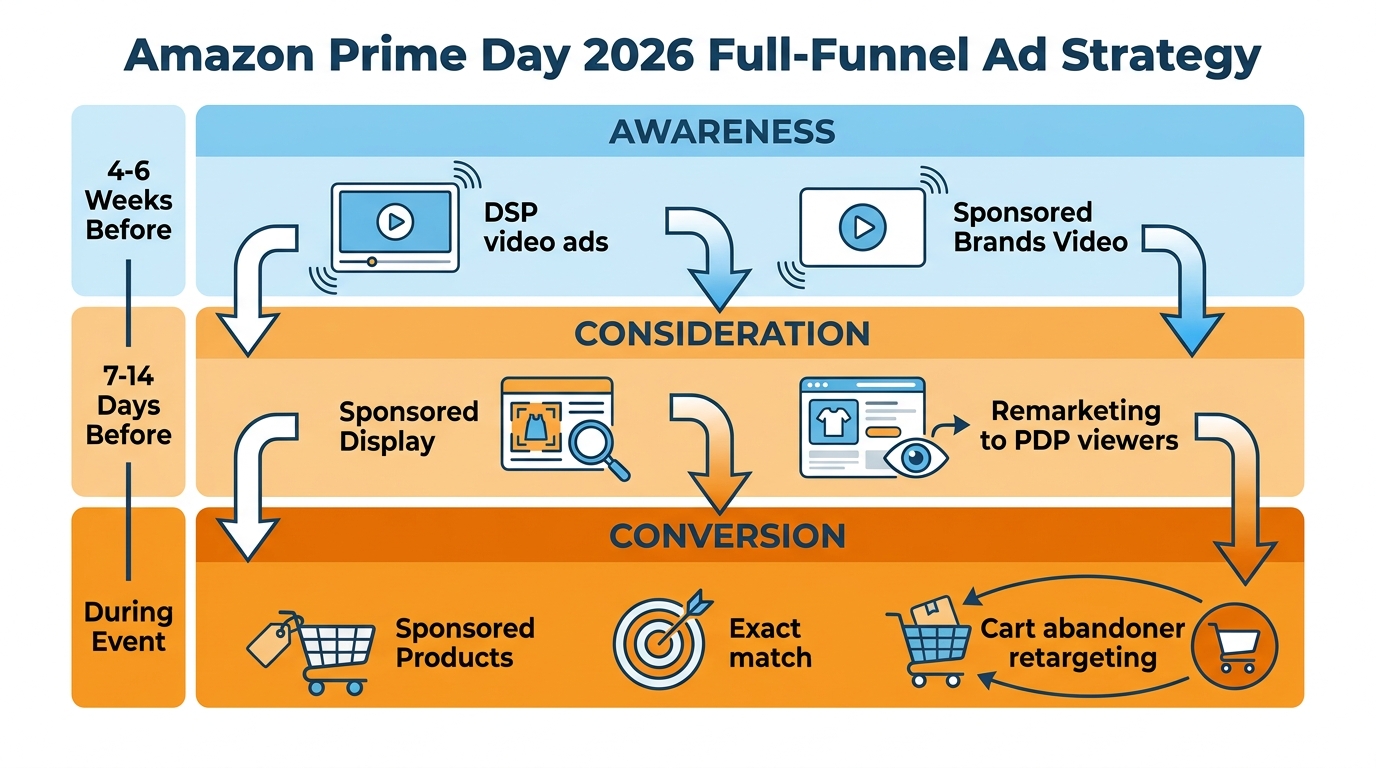
If you are running Sponsored Brand campaigns, confirm your Brand Store destination pages are live, fast-loading, and stocked with the products you are promoting. A broken or out-of-stock Brand Store page during Prime Day wastes every dollar you spend driving Sponsored Brand impressions.
4. PPC Budget and Bid Architecture: Build for Volume, Not Efficiency
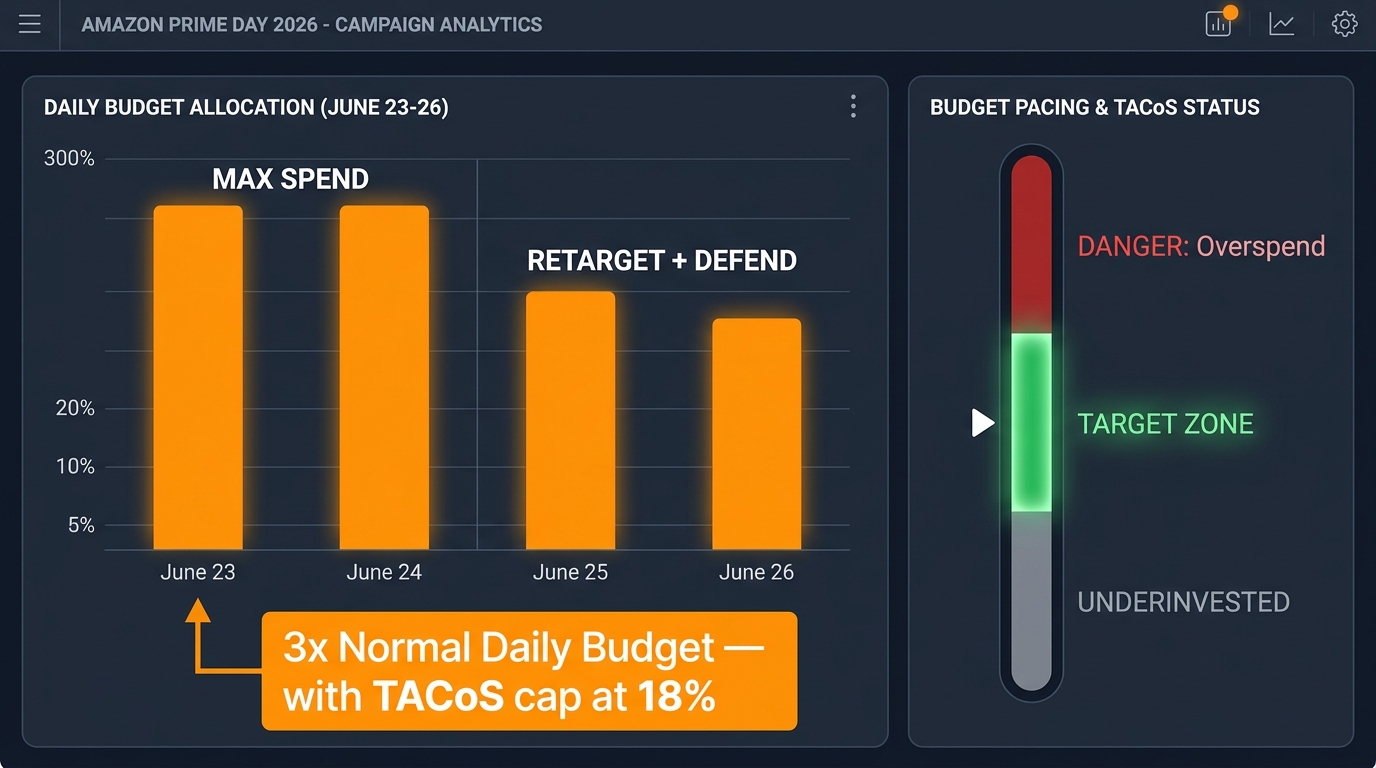
Your Prime Day PPC mindset needs a complete reset from your normal operating mode. In everyday campaign management, you optimize for ACoS efficiency. During Prime Day, your primary objective is impression share and conversion volume. Efficiency will recover in the weeks after. Missed impression share during a 96-hour sales window does not come back.
Budget Architecture
Amazon’s campaign budgets can exhaust as early as 6–8 AM on the first day if you do not pre-load them correctly. Set your daily budgets at a minimum of 3x your normal daily spend on promoted ASINs. If you have Portfolio Budgets enabled, set a portfolio-level cap that covers the full four-day event with a buffer. Use the Budget Rules feature to automatically increase budgets by percentage during the defined Prime Day dates — this is your safety net against waking up to a depleted budget mid-event.
Bid Strategy by Campaign Type
| Campaign Type | Recommended Bid Strategy | Budget Multiplier | Primary Goal |
|---|---|---|---|
| Sponsored Products (Exact) | Fixed bids or Down Only | 3–4x daily budget | Defend top-of-search placement on branded and hero terms |
| Sponsored Products (Broad/Auto) | Dynamic Up and Down | 2–3x daily budget | Capture demand surge from new search patterns |
| Sponsored Brands (Video) | Fixed bids | 3x daily budget | Top-of-search awareness and new-to-brand traffic |
| Sponsored Display (Retargeting) | Optimize for conversions | 2x daily budget | Re-engage cart abandons during the event window |
| Sponsored Display (Competitor Conquest) | Fixed bids | 1.5–2x daily budget | Steal share from competitors running out of deals |
Dayparting and Bid Adjustments
Prime Day traffic peaks in the first 4 hours of each day and during the evening 7–10 PM local time window. If your account has placement bid adjustments enabled, increase top-of-search multipliers to 50–100% for these windows. Set a calendar reminder to manually check and adjust bids at 6 AM, 12 PM, and 6 PM each event day. Automated rules help but cannot replace human judgment when you see a campaign burning through budget at twice the expected rate.
Negative Keyword Hygiene
Before the event starts, bulk-add your accumulated irrelevant search terms as exact negatives across all broad and auto campaigns. Wasted spend on irrelevant traffic is amplified significantly during Prime Day’s elevated CPC environment. Run your search term report from the past 60 days, filter for zero-conversion terms with more than $15 spend, and negate them now.
5. The Last-Mile Checklist Table
Use this table as your go/no-go confirmation in the 72 hours before June 23. Every item should be checked and signed off by a named team member or yourself.
| Category | Action Item | Owner | Status |
|---|---|---|---|
| Inventory | FBA units confirmed received at FC | ☐ | |
| Inventory | Days-of-cover at 3x velocity confirmed for all promoted ASINs | ☐ | |
| Inventory | FBM backup offers activated on high-risk ASINs | ☐ | |
| Inventory | 3PL reorder staged for post-event replenishment | ☐ | |
| Deals | All Lightning Deals in Approved status | ☐ | |
| Deals | PEDs created on secondary ASINs | ☐ | |
| Deals | Conflicting coupons paused 48 hours before event | ☐ | |
| Deals | Deal start/end times confirmed in correct timezone | ☐ | |
| Listings | All promoted ASINs pass Listing Quality dashboard check | ☐ | |
| Listings | Mobile view verified for hero image and deal badge | ☐ | |
| Listings | A+ Content published and rendering | ☐ | |
| Listings | Brand Store destination pages verified and in-stock | ☐ | |
| PPC | Campaign budgets set to 3–4x daily spend | ☐ | |
| PPC | Portfolio budget caps confirmed for full 4-day event | ☐ | |
| PPC | Budget Rules auto-increase rules activated for June 23–26 | ☐ | |
| PPC | Negative keyword bulk upload completed | ☐ | |
| PPC | Placement bid adjustments set for top-of-search | ☐ | |
| Monitoring | Hourly check schedule assigned to team members | ☐ | |
| Monitoring | Account health alerts enabled in Seller Central | ☐ | |
| Post-Event | Post-event price restore schedule documented | ☐ | |
| Post-Event | Review request automation queued for order volume surge | ☐ |
6. Monitoring During the Event: Your 96-Hour Operating Rhythm
Prime Day is not a set-it-and-forget-it operation. The sellers who outperform do so because they are actively managing in real time while their competitors are sleeping or waiting to look at results next week.
Hourly Checks (First 4 Hours Each Day)
The first four hours of each event day are the highest-velocity window. During this period, check campaign spend pace against daily budget, confirm deal badges are displaying on live listings, and monitor your BSR rank on promoted ASINs. A sudden BSR drop combined with normal ad spend is a signal of a pricing or suppression issue that needs immediate investigation.
What to Watch and When to Intervene
- Budget exhaustion before noon: Increase portfolio budget cap immediately — do not wait
- Deal suppression alert: Check for inventory threshold violations; top up FBM offer quantity
- ACoS spike above 2x target: Pause underperforming auto campaign ad groups temporarily, reallocate budget to exact match campaigns
- Competitor stockout detected: Increase conquest Sponsored Display bids by 20–30% to capture their displaced traffic
- Account health warning: Stop all deal activity on flagged ASINs and contact Seller Support immediately via the case tool
7. Post-Event Cleanup and Momentum Capture
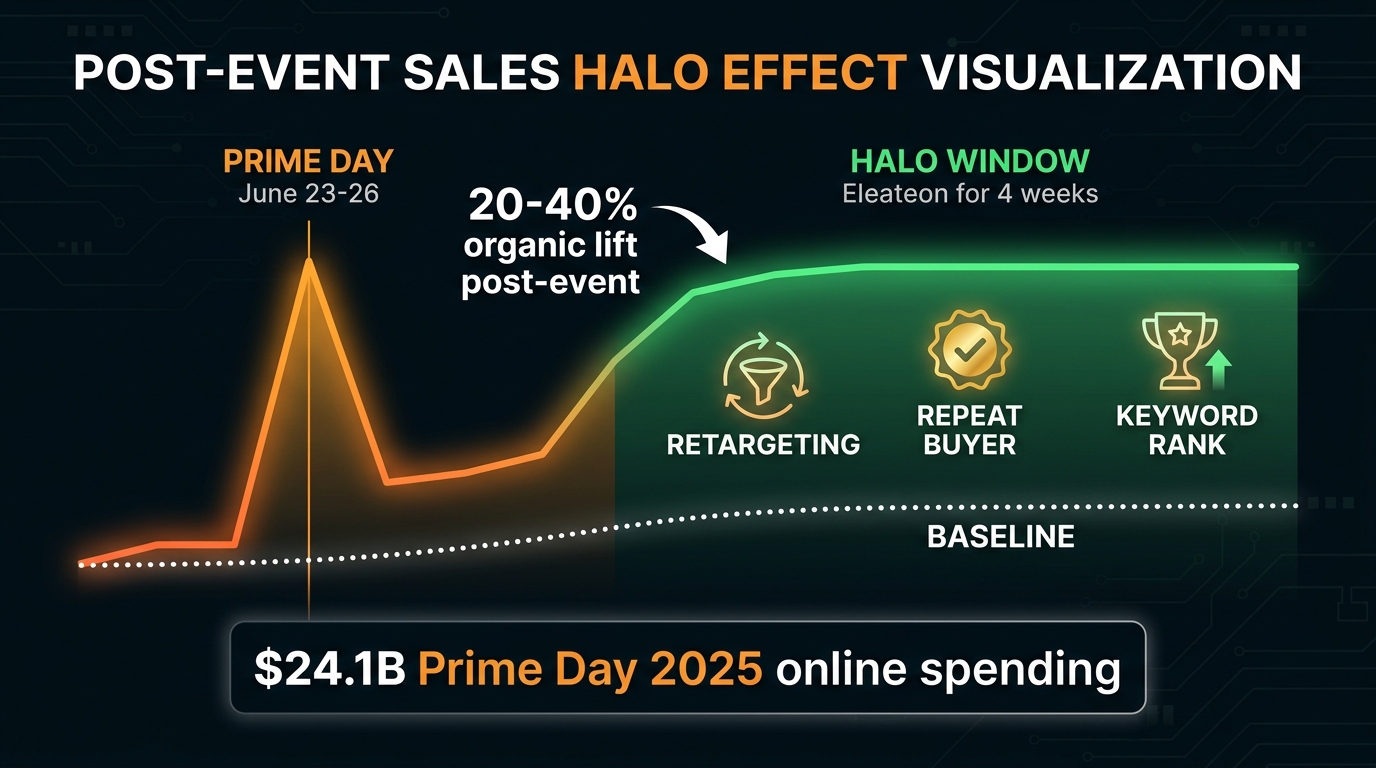
Prime Day ends June 26, but your work does not. The 7–14 days following the event are a critical window for converting Prime Day velocity into sustainable rank improvement and new customer lifetime value.
Pricing Normalization
Restore standard prices within 24 hours of the event ending. Leaving deal prices active burns margin and sets a new, lower reference price that will hurt your next promotional period. Document your price restore schedule before the event starts so it is executed consistently regardless of how exhausted your team is on June 27.
Review Velocity Strategy
Prime Day orders generate a surge of fulfilled orders that are eligible for the Amazon Request a Review button or Vine enrollment. If you use a third-party review automation tool, confirm it is queued to trigger review requests on Prime Day orders during the optimal 5–20 day post-delivery window. A significant uptick in verified reviews post-event compounds your BSR gains into the back half of the year.
Reorder and Replenishment
Execute your pre-staged 3PL reorder the morning of June 27. Lead times from manufacturers mean that units you order after the event ends will not be in FBA until late July or August at best. Any gap in inventory during the post-Prime Day halo period costs you the BSR momentum you just paid to acquire.
PPC Normalization
Do not abruptly slash PPC budgets back to pre-event levels the day after Prime Day ends. BSR is a lagging signal that benefits from sustained sales velocity in the days following the event. Keep budgets at 1.5–2x normal levels for 5–7 days post-event, then step down gradually. This sustains the algorithmic signals that Prime Day traffic generated and protects your improved organic ranking.
Data Harvest for Q4 Planning
Prime Day is the best market research you will run all year. Pull your search term reports, review new-to-brand percentage from the Brand Analytics dashboard, and analyze which ASINs overperformed and underperformed relative to your inventory plan. The gaps you identify in this debrief become the input for your Q4 and Holiday 2026 strategy.
Final Word: Execution Wins Prime Day, Not Strategy
By the time Prime Day 2026 goes live on June 23, the strategic decisions are already made. The sellers who come out ahead are not necessarily the ones with the best products or the biggest budgets — they are the ones who closed every operational gap, confirmed every deal, built every budget buffer, and showed up every day of the event ready to make real-time calls. Use this checklist as your contract with yourself. Check every box. Own the clock.
The next 96 hours will set the trajectory of your Amazon business for the rest of 2026. Execute accordingly.