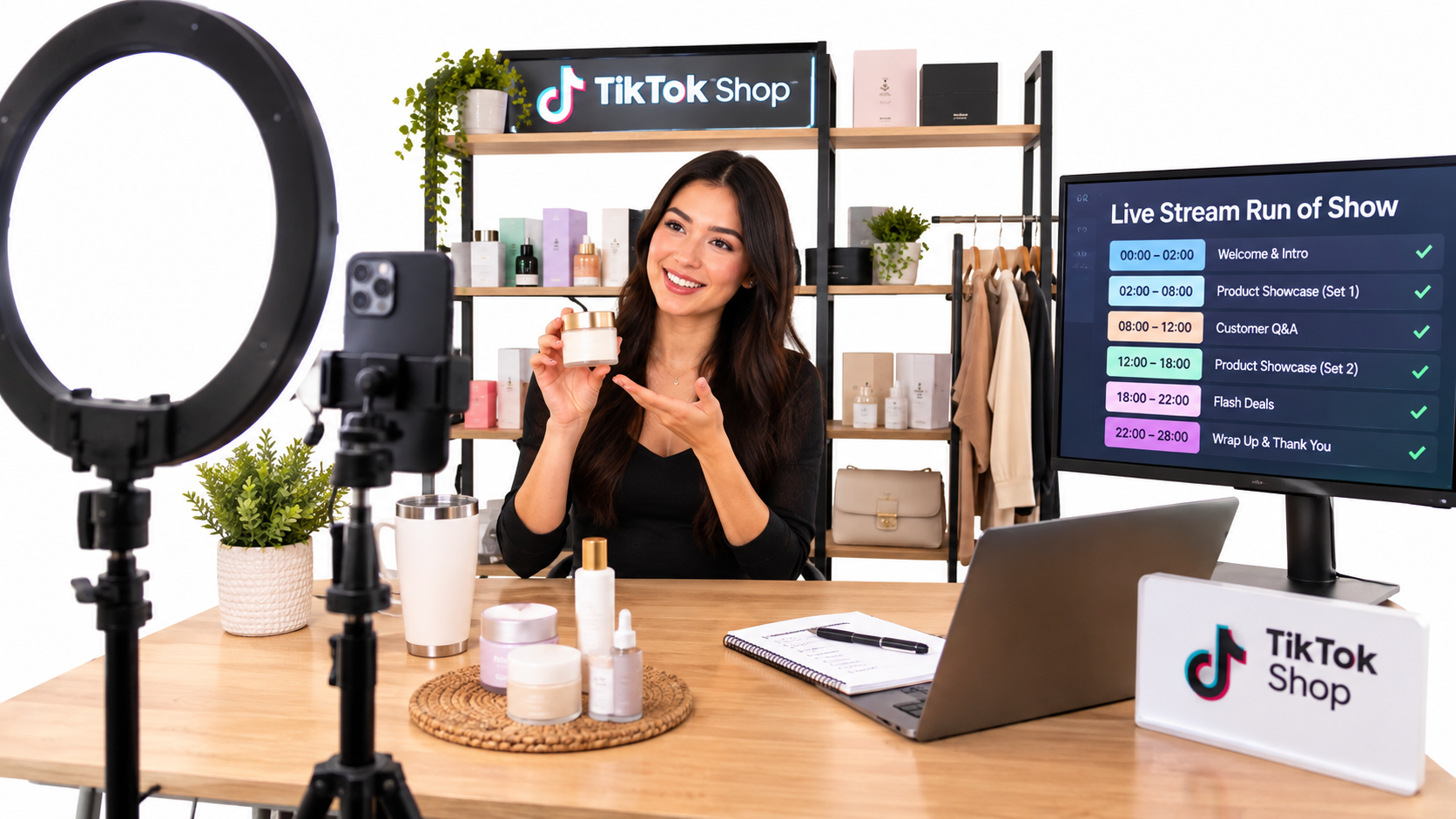

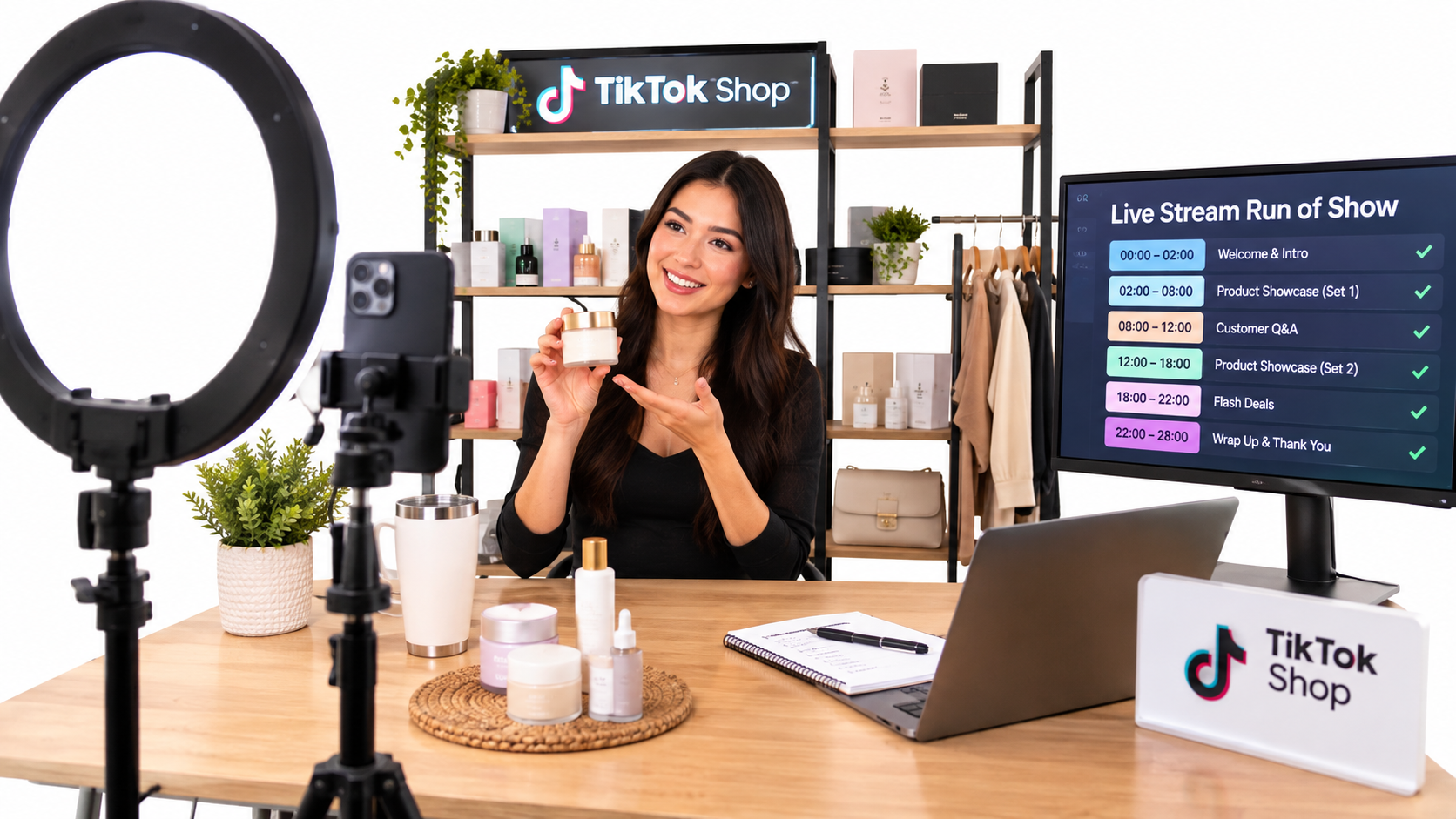
Ask ten TikTok Shop sellers why their LIVE streams underperform and nine will say the same thing: “I’m not charismatic enough.” It is the wrong diagnosis. Charisma helps, but the streams that sell repeatedly tend to be run like small production lines, not talent shows.
This guide treats TikTok Shop LIVE selling as an operations problem. It covers preparation, the run of show, team roles, offer design, chat handling, post-stream fulfillment and measurement.
A note on sources: live research tools were unavailable while this article was prepared, so it contains no platform statistics or quoted benchmarks. Everything here is operating logic you can test against your own Seller Center data. Check current commission, policy and feature details in TikTok Shop’s official Seller University before acting on them.
Why LIVE Is Different From Short Video
A short video is an asset. You make it once, it circulates, and you learn from the results afterward. A LIVE is an event. It happens in real time, you cannot edit it, and every mistake happens in front of buyers.
That difference changes what matters. Short video rewards creative iteration. LIVE rewards repeatable process, because the viewer who joins at minute 40 sees the same stream as the one who joined at minute one, and needs a reason to buy right now.
What a LIVE does that video can’t
- Answers objections in real time. A viewer asks “does it fit a size 12?” and you show them.
- Creates a deadline. A time-limited offer has natural urgency without fake countdowns.
- Demonstrates proof. Pouring, wearing, stretching and comparing are more convincing live than described.
What it costs you
Hours of attention, a host who stays energetic, and inventory that must be ready before you go on air. If any of those are weak, the stream suffers regardless of the product.
Pre-Live Preparation: Win Before You Go On Air
Most of the outcome is set before the stream starts. Build a preparation checklist and do not skip it when you are busy.
Product selection for a session
Do not feature everything. Pick a lineup of three roles:
- The hook product: visually demonstrable, easy to understand in ten seconds.
- The core product: the one you most want to sell, with healthy margin.
- The add-on: low-priced, raises basket size.
Inventory and listings
Confirm stock counts for every variant. Overselling during a live is the fastest way to create cancellations, which hurt your account health. Check that listing titles, images and variant names match what the host will say aloud, so viewers are never confused between the stream and the product page.
Technical check
Test audio first, since viewers tolerate imperfect video far more than bad sound. Then check lighting on the product, internet stability and battery or power. Do a five-minute private test before every session.
The Run of Show: Structure Beats Improvisation
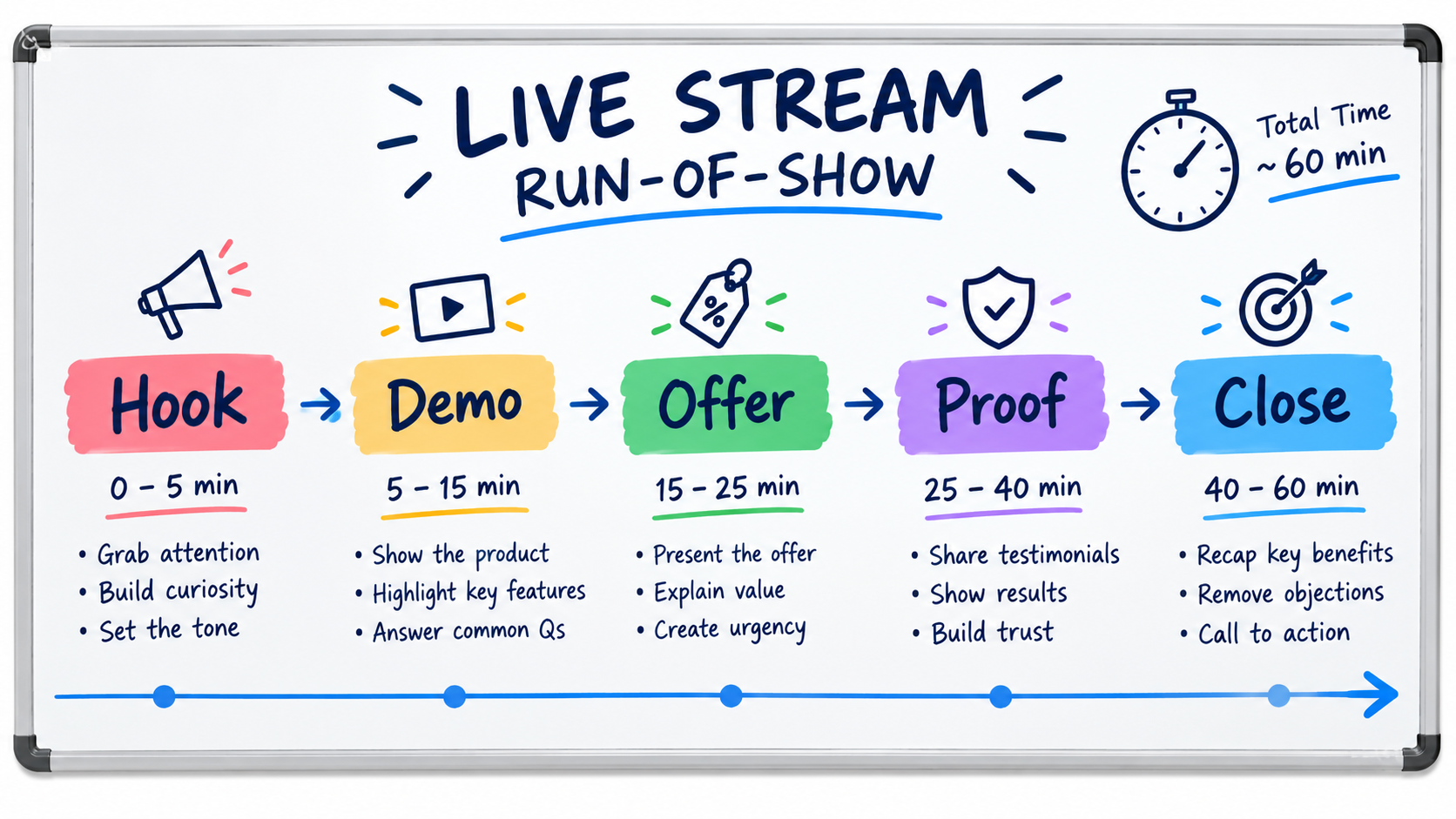
A live stream is a loop, not a line. People arrive continuously, so you repeat a cycle of segments every 10 to 20 minutes. Each cycle should be able to convert a brand-new viewer.
A simple loop
- Hook (first 30 to 60 seconds): state what the viewer gets by staying.
- Demo: show the product doing its job.
- Proof: reviews, before and after, size comparisons, real usage.
- Offer: the price, the bundle, the deadline.
- Close: tell viewers exactly where to tap.
Pacing across the session
Plan a stronger offer early to build momentum, then rotate products so returning viewers see something new. Reserve a “last call” moment near the end. Write the plan on paper and keep it where the host can see it.
Common run-of-show mistakes
- Spending the first ten minutes waiting for an audience.
- Explaining features without demonstrating them.
- Forgetting to say the call to action out loud.
- Talking about price without anchoring value first.
Roles: Why One Person Shouldn’t Do Everything
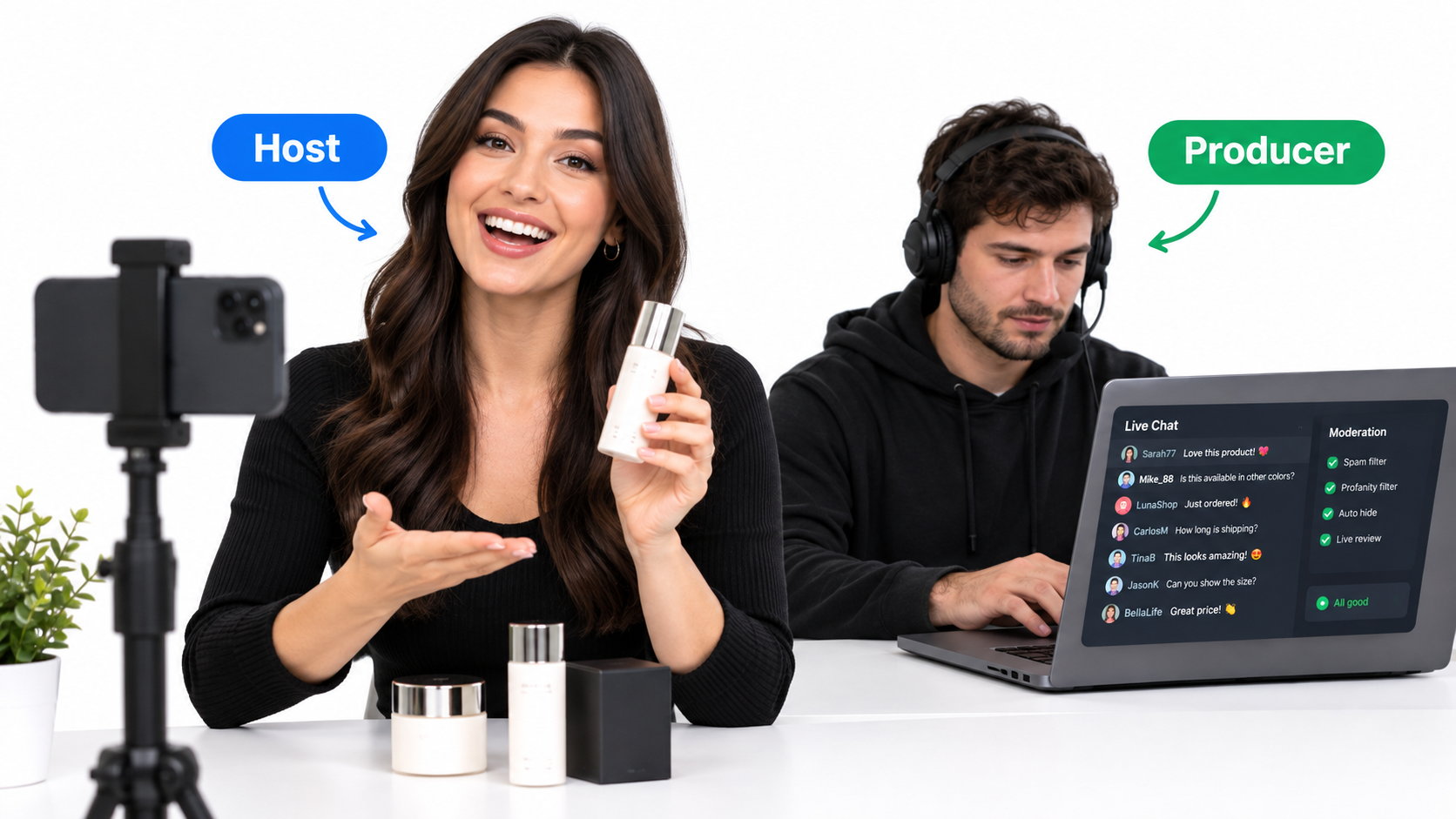
Solo hosting works for a start, but the host cannot simultaneously demonstrate, read chat, watch inventory and manage offers. The first hire or partner for most live sellers should be a producer.
The host
Owns energy, storytelling and demonstration. Should be able to talk about the product naturally, without reading a script.
The producer
Owns chat, pinned products, stock monitoring, and timing cues. They feed the host questions and flag when an item is low.
Working with creators
If you collaborate with outside creators, brief them like a team member. Give them the lineup, the offer, the claims they can and cannot make, and the sample products well before the session. Agree on what happens when a claim is questioned in chat.
Offer Design: Price Is Only One Lever
New sellers often discount heavily because discounts feel like the only tool. Test other levers first, since margin is easily destroyed on a stream that sells lots of units at the wrong price.
Options beyond a flat discount
- Bundles: raise average order value and simplify the decision.
- Live-only variants or gifts: create a reason to buy during the session.
- Tiered quantity pricing: encourage two or three units.
- Limited stock: only if it is genuinely limited.
Check the math first
Before any offer, calculate your margin after platform fees, shipping, packaging, expected returns and any creator payments. If the number is thin, change the offer, not the hope. Use your own current fee schedule from Seller Center.
Handling Chat: Your Free Market Research
Chat is where objections become visible. Treat every repeated question as a content or listing problem.
- Pin answers to common questions such as sizing, shipping time and returns.
- Greet new viewers by name when feasible; it keeps them watching.
- Respond to negative comments calmly and factually. Never argue.
- Log the top five questions after every stream and fix the listing or script accordingly.
After the Stream: Fulfillment Decides Whether You Can Do It Again
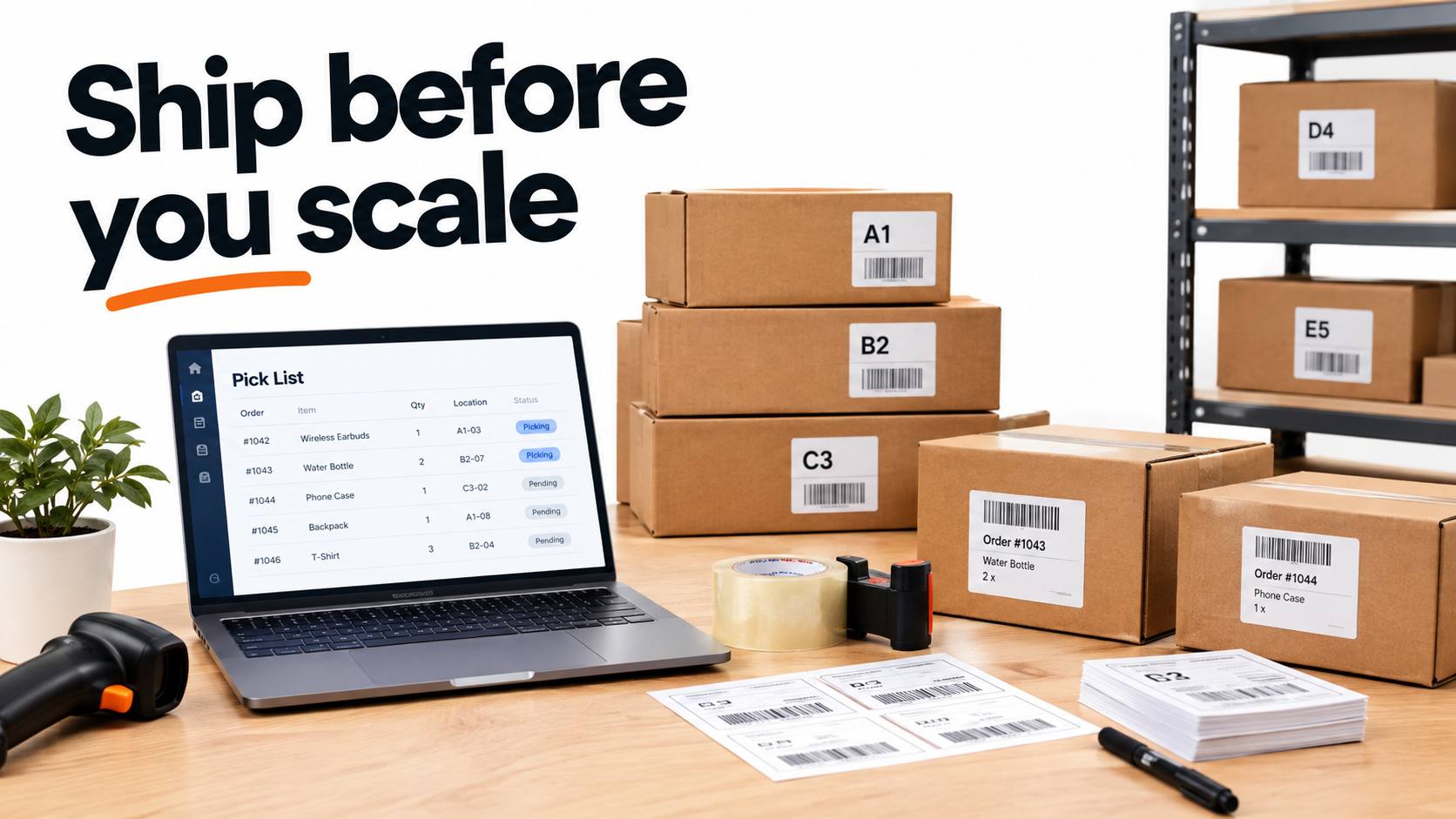
A successful live creates a burst of orders. If you cannot ship on time, the success becomes a liability through late dispatches, cancellations and negative reviews.
Prepare for the order spike
- Pre-pack bundles you plan to feature.
- Schedule packing time right after the stream.
- Know your carrier cut-off times and your platform dispatch deadlines.
- Keep a buffer of packaging supplies.
Customer experience loop
Send clear tracking, answer messages quickly and make returns straightforward. Good post-purchase handling protects your account standing and gives you reviews that strengthen future streams.
Metrics That Actually Guide Decisions
Vanity numbers such as peak viewers can mislead. Track metrics tied to the loop above, and compare them session to session using the analytics in Seller Center.
- Sales per hour live: the cleanest measure of session productivity.
- Conversion from viewer to buyer: reveals whether your offer and demo work.
- Average order value: shows whether bundles are doing their job.
- Return and cancellation rate: a warning that you are overselling or overpromising.
- Contribution margin per session: revenue minus all variable costs.
Change one variable per session where you can, such as the opening hook, the bundle or the time of day, and write down the result. Without notes, you will repeat the same mistakes.
Compliance and Account Health
Live streams are monitored, and hosts say things off the cuff. Avoid unsupported health, income or performance claims, and avoid comparisons to competitors you cannot back up. Follow the platform’s rules on prohibited products and promotional language, and re-read them regularly because they change.
Give hosts a short list of approved claims and a short list of phrases to avoid. A one-page sheet is enough.
A 30-Day Plan to Build the System
Week 1: Foundation
Choose your lineup, write the run of show, and do two short test streams with no sales pressure.
Week 2: Repetition
Go live on a consistent schedule. Log chat questions and fix listings.
Week 3: Add a producer
Assign someone to chat and stock. Compare sales per hour to week 2.
Week 4: Test offers
Try a bundle against a flat discount. Calculate contribution margin for each.
Conclusion: Make the Stream Boring Behind the Scenes
The sellers who last on TikTok Shop LIVE are rarely the loudest. They have a checklist, a lineup, a producer, a clean fulfillment routine and a habit of measuring. Their streams feel spontaneous because the machinery underneath is dull and dependable.
Actionable takeaways:
- Write a run of show and repeat the loop every 10 to 20 minutes.
- Split host and producer roles as soon as possible.
- Design offers beyond discounts, and check margin first.
- Turn chat questions into listing fixes.
- Schedule packing before you schedule the next stream.
- Judge sessions by sales per hour and contribution margin, not peak viewers.