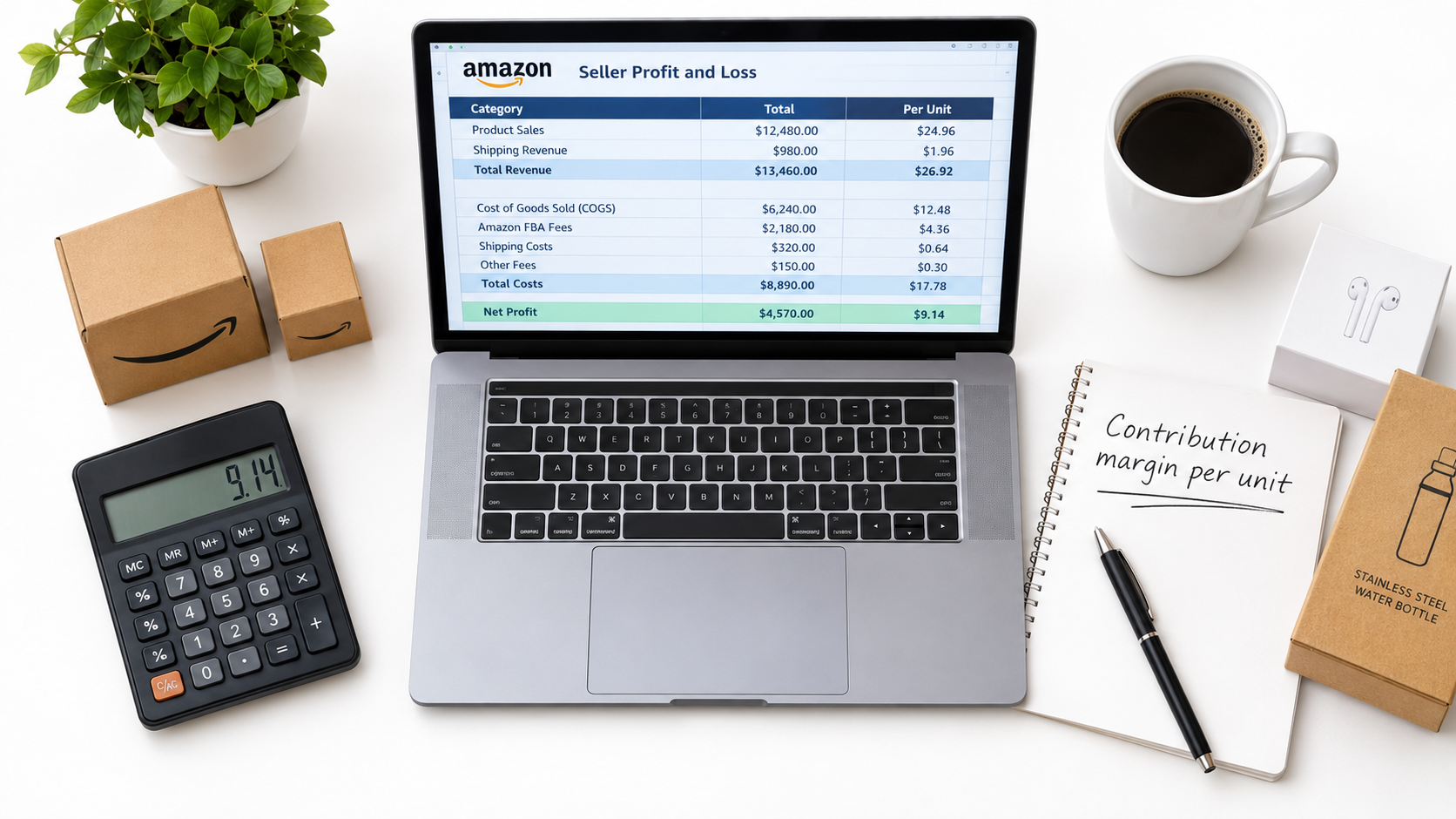

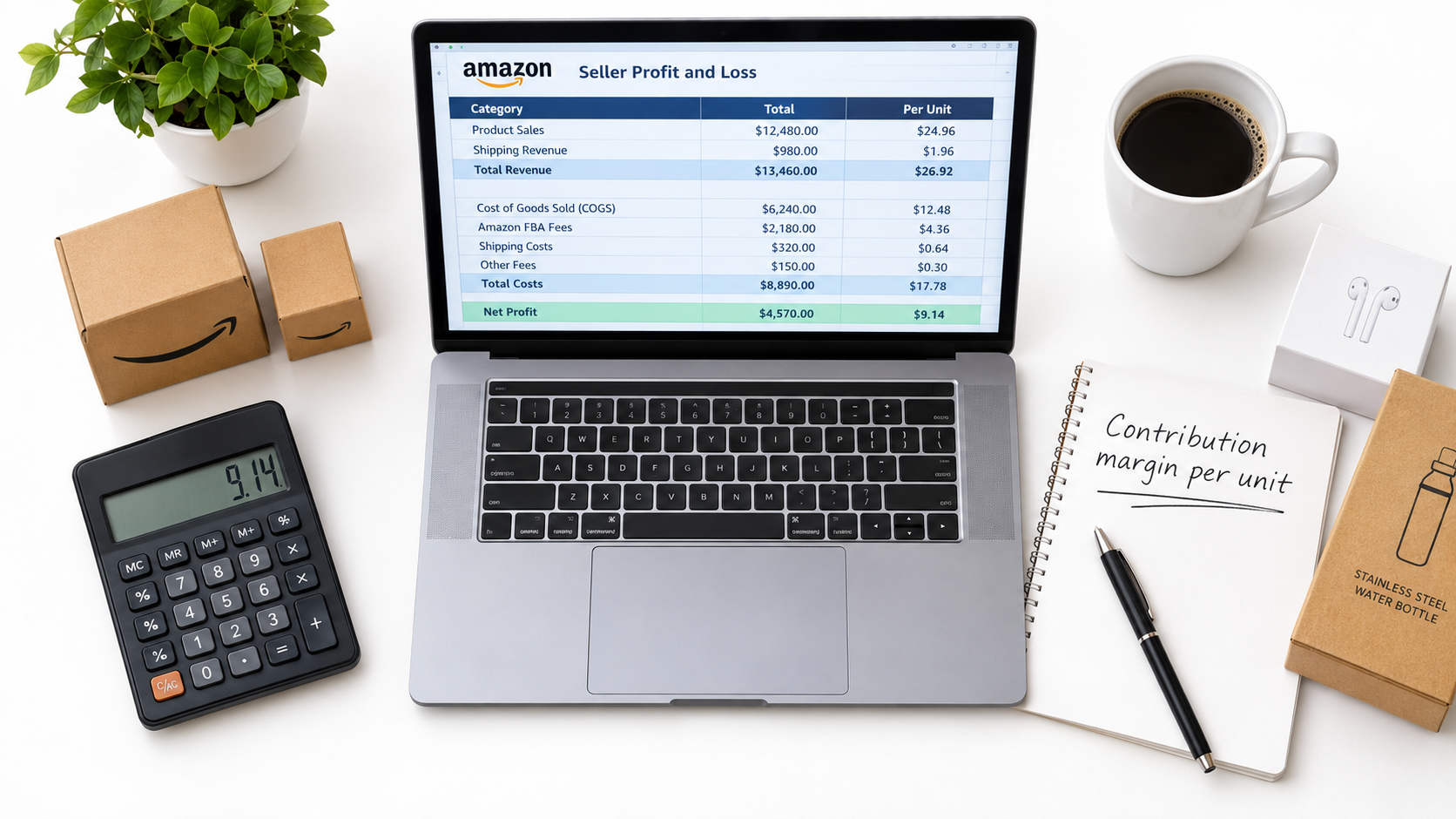
Ask ten Amazon sellers how their business is going, and most will answer with a revenue number. Very few will answer with what they kept. That gap is where businesses quietly fail, because Amazon’s dashboards are built to show you sales, while your bank account only cares about margin.
This article takes a different angle from the usual list of tactics. Instead of asking how to sell more, it asks how to build a profit model that tells you the truth about each product. Then it shows you how to stress-test that model so a fee change, a return spike or a rise in ad costs doesn’t catch you off guard.
Note on numbers: the figures below are illustrative examples I built to show the mechanics. They aren’t Amazon benchmarks. Fee schedules change often, so check Seller Central’s current rate cards before plugging in your own values.
Why Revenue Misleads Amazon Sellers
Amazon’s Business Reports lead with ordered product sales. It’s a useful measure of demand, but it hides almost everything that matters about the economics of a sale.
Two sellers can each post the same monthly revenue and have opposite outcomes. One keeps a healthy share after fees, ads, returns and product cost. The other is losing money on every order and funding it with the next inventory purchase.
The growth trap
Negative or thin margins are hard to notice while you are growing. New inventory orders get paid with cash from the previous batch, so the account looks busy and liquid. The problem appears when growth slows and the bills for the old batch come due.
What to track instead
- Contribution margin per unit: price minus every cost that varies with a sale.
- Net profit per ASIN, per month: after ads, returns and storage.
- Cash conversion cycle: days from paying your supplier to getting paid by Amazon.
- Return on inventory investment: profit divided by the cash tied up in stock.
The Full Cost Stack of a Single Unit
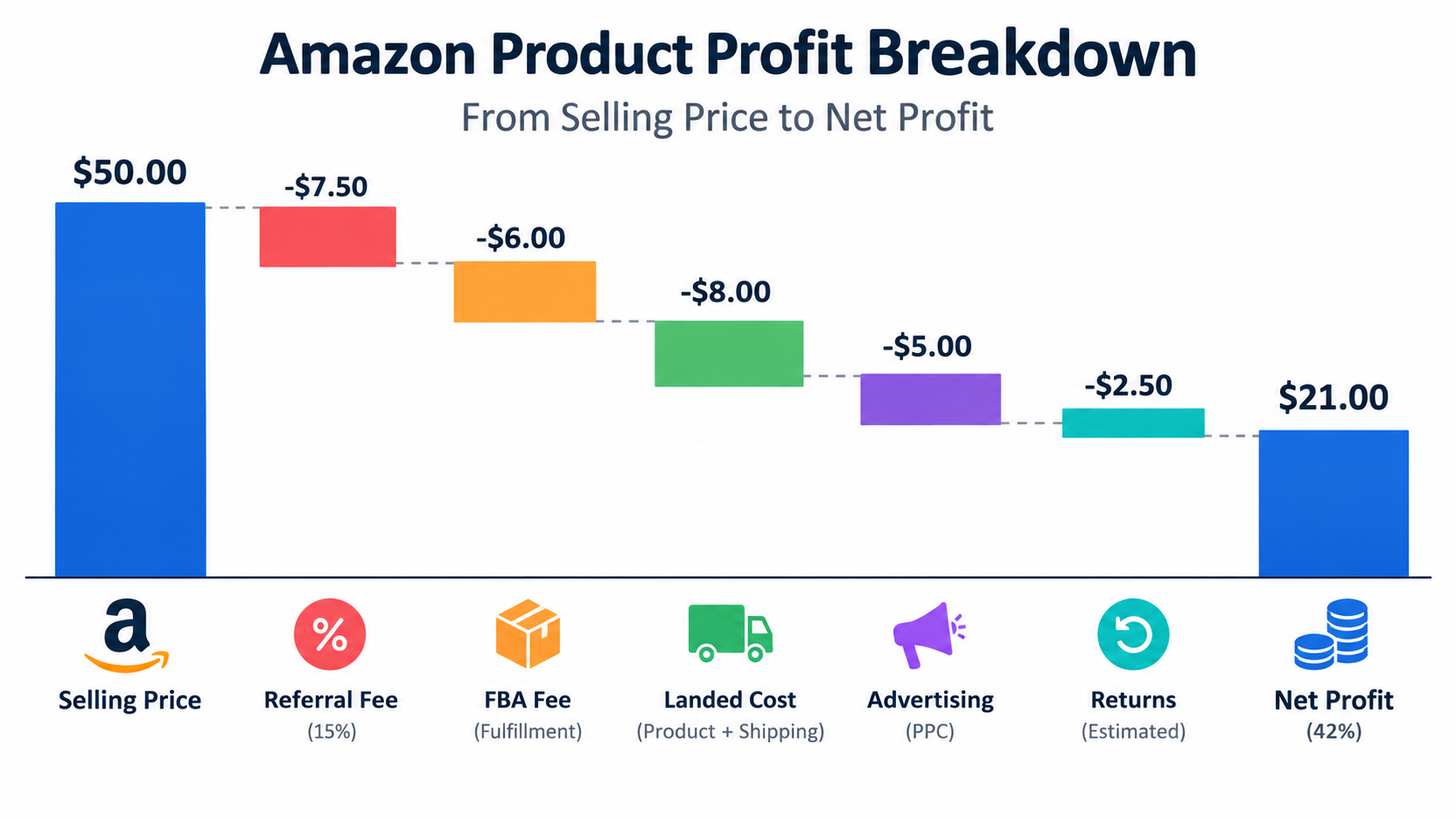
A reliable model starts by listing every cost attached to one unit. Most sellers include product cost and the main fees. The costs they forget are the ones that decide profitability.
Costs that are easy to see
- Referral fee: a percentage of the sale price, set by category.
- FBA fulfilment fee: based on size tier and weight.
- Landed cost: manufacturing, freight, duties, inspection and prep.
Costs that are easy to miss
- Storage fees: monthly, and higher for aged or oversized stock.
- Inbound and placement costs: depending on how you send inventory in.
- Returns: refunded revenue, unsellable units and processing.
- Advertising: sponsored ads are often the largest variable cost after product.
- Tools, software and cost of capital: small per unit, but real.
An illustrative example
Suppose a product sells for $30. Referral fee at 15% is $4.50. FBA fee is $5.50. Landed cost is $8. That leaves $12 before ads and returns.
If advertising averages $4 per unit sold and returns and damages cost an average of $1.50 per unit, contribution margin is $6.50, about 22% of price. A $1 fee increase takes about 3 points of margin. That is the number you need to know before it happens.
Advertising: The Cost That Behaves Like a Tax
For many sellers, ad spend stops being a growth lever and becomes a recurring tax on organic sales. If organic rank depends on constant spend, then ad cost belongs in your unit economics as a permanent line, not a launch expense.
TACoS over ACoS
ACoS measures ad spend against ad-attributed sales. TACoS measures it against total sales, including organic. TACoS is the better health metric, because a falling TACoS suggests ads are building organic demand, while a flat or rising one suggests you are renting every sale.
Break-even ACoS
Your break-even ACoS equals your margin before ads, expressed as a percentage of price. In the example above, that is $10.50 on $30, or 35%. Any campaign above that loses money on the first sale. Campaigns can still make sense if they buy repeat customers or rank, but make that a deliberate decision with a defined end date.
Practical steps
- Calculate break-even ACoS for every ASIN.
- Set target ACoS below it, leaving room for profit.
- Review search terms monthly and cut spend that never converts.
- Separate branded, competitor and generic campaigns so you see where money goes.
Returns: The Quiet Margin Leak
Returns hit twice. You refund the sale, and the item may come back unsellable, or you pay to process it. Categories such as apparel and footwear tend to carry heavier return burdens than consumables, so use your own return report rather than a generic assumption.
Reading your return reasons
Seller Central lets you download return data with customer-selected reasons. Group them into three buckets: product defects, expectation mismatch and fit or size. Each has a different fix.
- Defects: raise it with your supplier and tighten inspection.
- Expectation mismatch: rewrite the listing, fix images and add dimensions.
- Fit or size: add size guides and comparison charts.
A one-point drop in return rate often improves profit more than a one-point cut in ad cost, and it also helps reviews.
Inventory and the Cash Cycle
Profit and cash are different things. A product can earn a decent margin and still strain your finances if stock sits in transit and in warehouses for months.
Map the cycle
Count the days from paying the deposit to receiving your first payout on those units. Include production, shipping, receiving, selling through and Amazon’s disbursement timing. For many sellers this is several months, and the number is the real cost of your growth.
Reorder discipline
- Set reorder points from lead time plus a safety buffer.
- Avoid overstock, which attracts storage fees and ties up cash.
- Avoid stockouts, which damage rank and take time to recover from.
- Liquidate slow movers before they age into higher fees.
Stress-Testing Your Model
A model that works only under today’s conditions is a forecast, not a plan. Test it against changes you can’t control.
Run five scenarios
- Fees rise: add $0.50 to $1.00 to the fulfilment fee.
- Ad costs rise: increase cost per click by 15–20%.
- Returns increase: add two points to your return rate.
- Price pressure: cut your price by 10% to match a competitor.
- Supply shock: raise landed cost for freight or tariffs.
Record which scenarios push contribution margin below zero. Those are your fragile products. A product that survives most scenarios is the one to put more cash behind.
Portfolio Thinking: Which ASINs Earn Their Place
Once you have per-ASIN profit, sort the catalog into groups. Some products deserve more investment, some need repair, and some should go.
- Cash engines: strong margin and steady sales. Protect stock and defend rank.
- Growth candidates: good margin, low volume. Test ads and listing improvements.
- Repair cases: good volume, thin margin. Renegotiate cost, adjust price or trim ads.
- Exits: low margin and low volume. Sell through and don’t reorder.
Sellers are often reluctant to drop products because of past effort. Treat that as sunk cost and let the numbers decide.
Pricing With Margin in Mind
Many sellers set price by looking at competitors. That’s necessary but not sufficient. Start from the lowest price at which a unit still earns your target margin, then compare it to the market.
Price floors
Set a floor for each ASIN and automate repricing rules to respect it. If the market falls below your floor, you have a decision: improve costs, differentiate, or step back.
Differentiation beats discounting
Bundles, better images, clearer benefits and stronger packaging can support a higher price. Test changes one at a time and measure conversion and margin, not just units.
A Monthly Review Routine
Good models stay useful only if you update them. A one-hour monthly routine is enough for most small sellers.
- Export transactions and rebuild per-ASIN profit.
- Compare actual fees with your model and fix any differences.
- Review TACoS and break-even ACoS by product.
- Check return reasons and open one fix per top ASIN.
- Check inventory days of cover and the cash cycle.
- Re-run the five stress scenarios on your top products.
Conclusion: Make Profit Visible
Amazon selling in 2026 rewards operators who know their numbers. Fees, ad costs and customer behaviour will keep moving, and you can’t control them. You can control whether you see the impact quickly.
Key takeaways
- Track contribution margin per unit, not just revenue.
- Include ads, returns, storage and capital cost in the cost stack.
- Use TACoS and break-even ACoS to judge advertising.
- Stress-test every important ASIN against fee, cost and price shocks.
- Sort your catalog by profit, and put cash behind winners only.
Start with your top five products this week. Build the per-unit model, run the scenarios, and you will probably learn something that your sales dashboard never told you.