
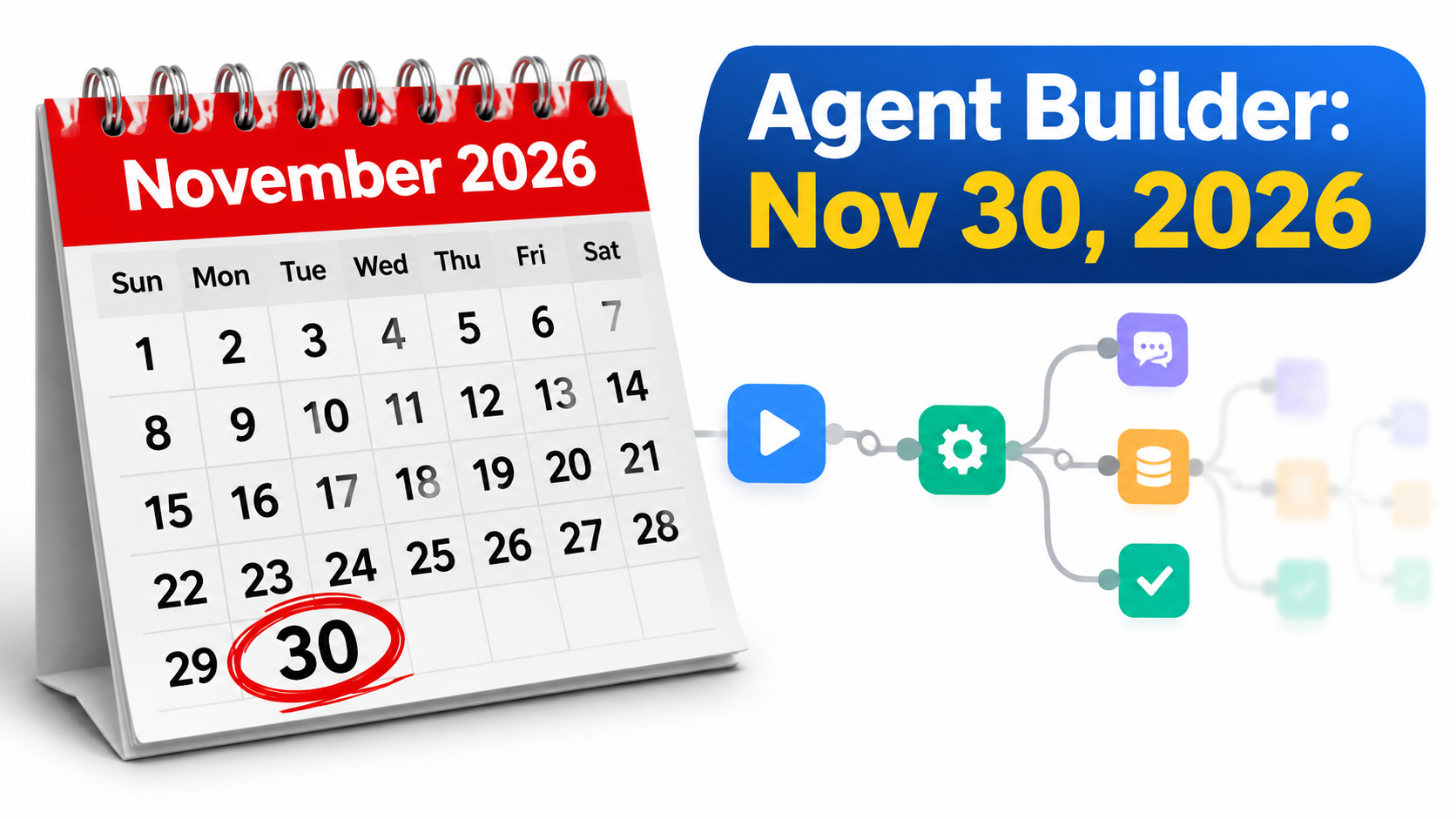

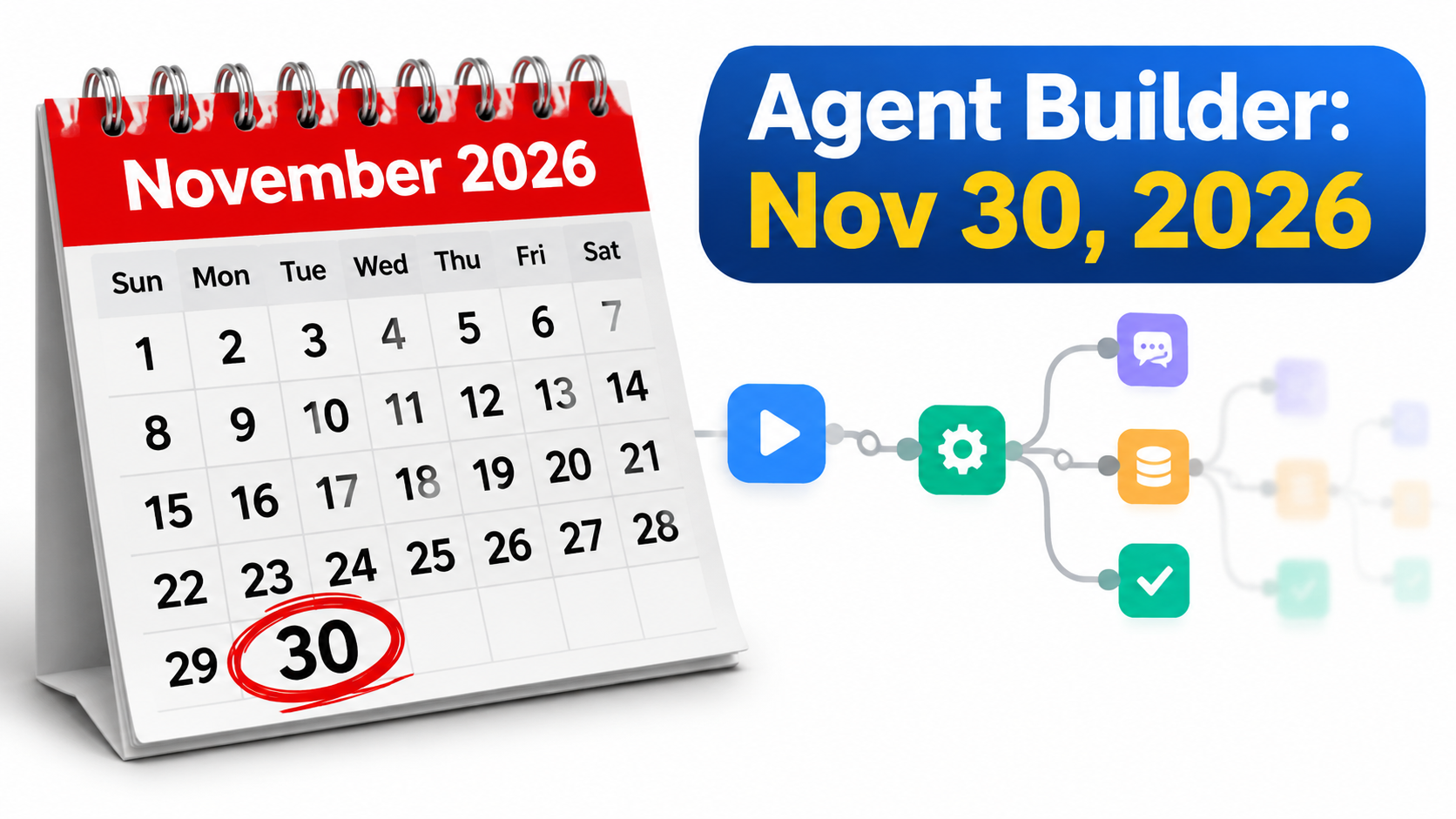
On June 3, 2026, OpenAI announced it is winding down Agent Builder, the visual canvas it launched as part of AgentKit. The tool is scheduled to become inaccessible on November 30, 2026. ChatKit, the embeddable chat UI, remains available. The Evals platform is being wound down on the same schedule, according to reports of the announcement.
If you built something in Agent Builder, the clock is now running. The deadline is the easy part to understand. The harder part is that OpenAI’s own guidance says an export is a starting point, not a faithful conversion.
That changes how you should plan. This is not a “click export and redeploy” job. It is a small rebuild project, and the teams that treat it as one will have a calmer autumn than the teams that wait.
This guide takes a specific angle: start with what will not survive the move, then work backward. We cover what is confirmed, what is uncertain, how to inventory your workflows, how to choose between the two migration paths, and how to cut over without breaking production.
What OpenAI Has Actually Confirmed
Separate the confirmed facts from the assumptions before you plan anything.
The confirmed points
- Deprecation announced: June 3, 2026.
- Shutdown date: November 30, 2026, when Agent Builder becomes inaccessible.
- ChatKit: remains available.
- Recommended paths: export workflows as Python or TypeScript for the Agents SDK, or use ChatGPT Workspace Agents (for Business, Enterprise and Edu users) for natural-language-managed use cases.
- Export caveat: export does not preserve the workflow graph or guarantee identical behavior.
The open question
OpenAI has not confirmed whether existing Agent Builder-hosted workflow IDs will keep working after the shutdown. That matters because many ChatKit deployments point at a hosted workflow ID. Assume they will stop working, and plan to point ChatKit at your own backend instead.
Treat anything not in OpenAI’s documentation as unconfirmed. Check the official deprecation page before finalizing dates, since details can be updated.
Why the Export Button Is Not a Migration
Agent Builder offers a Code option that exports a workflow as Agents SDK code in TypeScript or Python. It is a useful head start. It is also a one-way snapshot of a visual system into text.
The visual canvas expressed things that code makes you decide explicitly. OpenAI’s guidance points to several areas to review by hand after export:
- Control flow: branches, loops and conditions that were drawn as nodes.
- Triggers: how a workflow got started.
- Tools and permissions: which connectors and functions the agent could call.
- Authentication: how credentials were supplied.
- Publishing: how the workflow was exposed to users.
- Determinism: whether the same input produces the same path.
Expert commentary converges on the same advice: treat the exported code as scaffolding. Expect to rewrite and retest.
Step One: Build an Inventory Before You Touch Anything
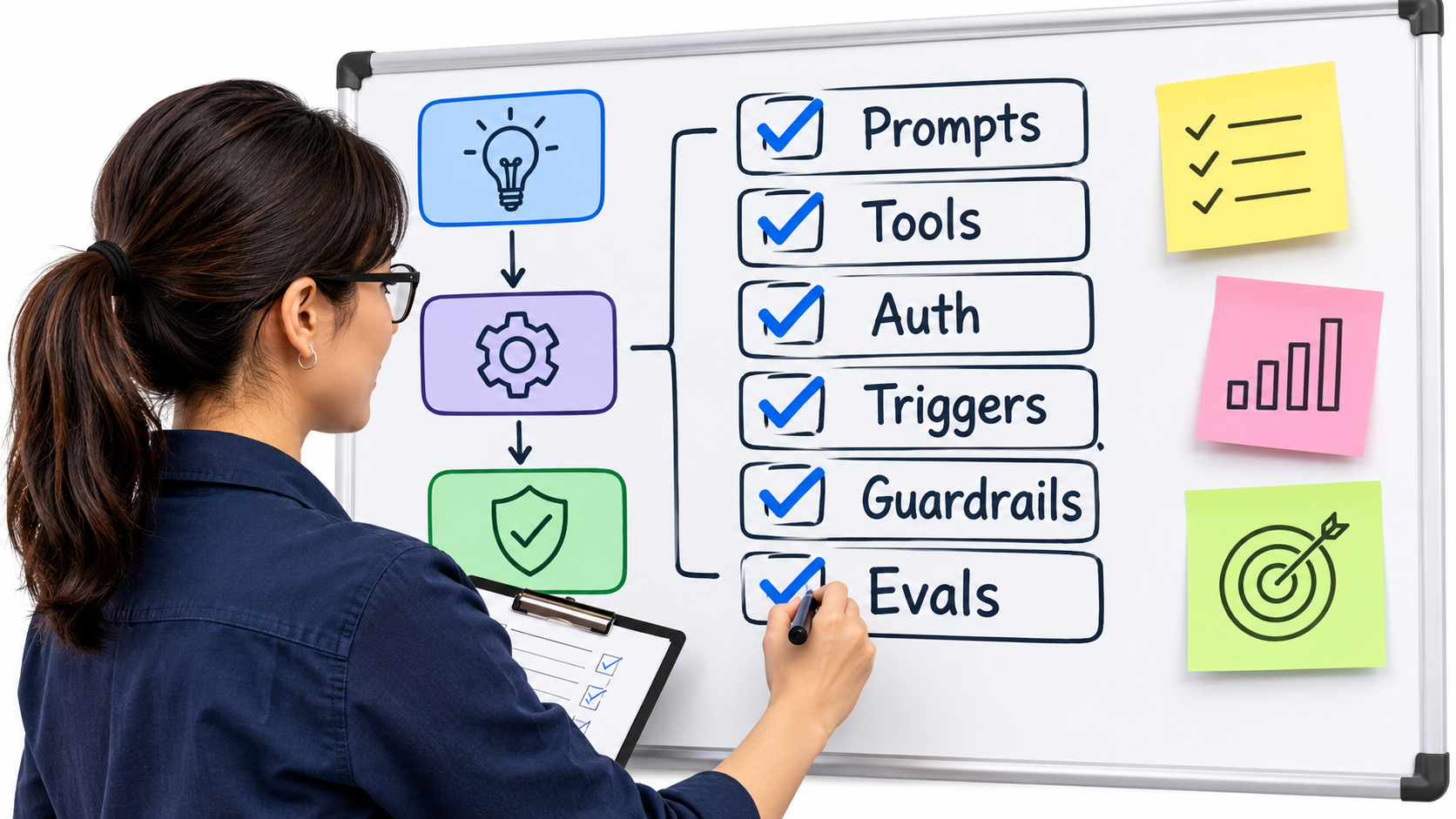
Most teams discover they have more workflows than they thought. Experiments, demos and abandoned prototypes sit next to production flows. Your first job is to list them all and decide which deserve to survive.
What to record for each workflow
- Owner: a named person who can approve decisions.
- Consumers: apps, ChatKit embeds, internal users or scheduled jobs that depend on it.
- Traffic: rough run volume, so you can prioritize.
- Components: agents, prompts, models, tools, MCP connections, file search, guardrails.
- Secrets and access: which keys and permissions it uses.
- Data touched: especially anything personal or regulated.
- Evals: any datasets, graders or test sets tied to it.
Triage into three buckets
- Retire: prototypes with no real users. Deleting them is the cheapest migration.
- Move to Workspace Agents: internal, conversational, low-engineering tasks.
- Rebuild in code: anything customer-facing, high-volume or tightly integrated.
Expect the retire bucket to be larger than you think. That is a win, not a loss.
Step Two: Choose Between the Agents SDK and Workspace Agents
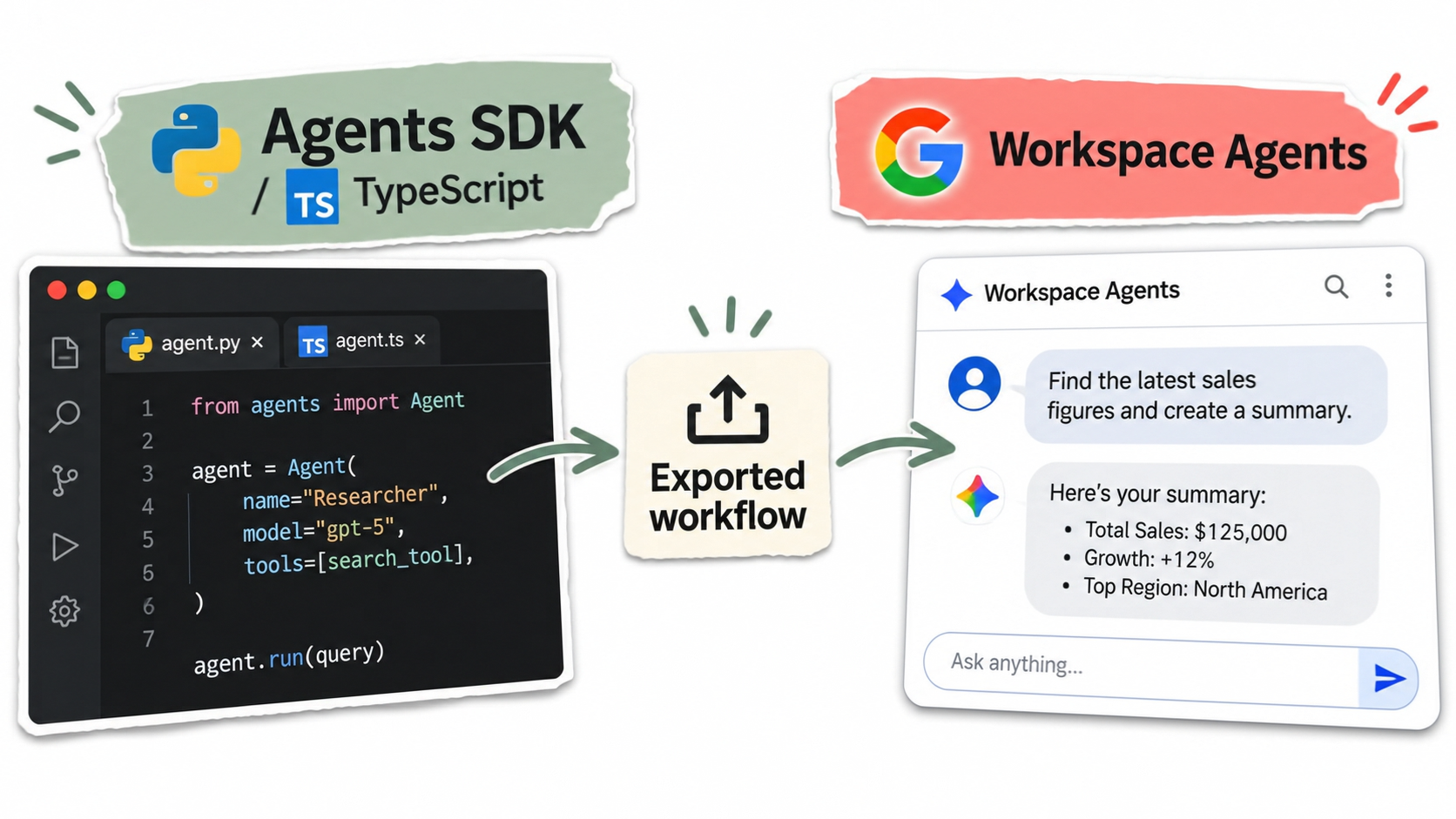
OpenAI points to two destinations, and they suit different jobs.
Agents SDK: control, at a price
The Agents SDK is the code-first route. You get version control, automated testing, code review, and deployment wherever you like. Complex orchestration and customer-facing products belong here.
The trade-off is ownership. You now run hosting, authentication, permissions, billing visibility and operations. What the visual platform handled quietly becomes your team’s responsibility.
Workspace Agents: speed, within limits
Workspace Agents in ChatGPT are intended for natural-language-managed, internal workflows. They are available to Business, Enterprise and Edu users. They fit well when business users, not engineers, should own the logic.
The limits are the flip side of the convenience. You have less control over deterministic behavior, and the agent lives inside the ChatGPT workspace rather than in your product.
A quick decision test
- Does an external customer or app call it? Choose the SDK.
- Does it need strict, repeatable branching? Choose the SDK.
- Is it an internal helper that staff talk to? Consider Workspace Agents.
- Do non-engineers need to edit it? Consider Workspace Agents.
It’s also reasonable to consider a third option: moving off OpenAI’s orchestration layer to a different framework. Do that only if you already had a reason to, since a framework switch during a deadline adds risk.
Step Three: Fix the ChatKit Dependency
ChatKit stays, but what it connects to may not. Many ChatKit setups reference a workflow ID hosted in Agent Builder. Since OpenAI has not confirmed those IDs persist, assume the dependency breaks.
The safe pattern is to put your own backend behind ChatKit. The frontend stays the same, while the server runs your Agents SDK code. Check the current ChatKit documentation for the supported way to connect to a custom backend.
Do this early. It is the place where users would notice a failure first.
Step Four: Rebuild the Parts That Don’t Export Cleanly
After exporting, go through the generated code against your inventory. The usual suspects are below.
Control flow and branching
Compare every branch in the canvas with the code. Write a test for each path, including the failure paths. A missed else-branch is the most common silent regression.
Tools and connectors
Verify each tool is declared, reachable and scoped correctly. Apply least privilege: if a tool only needs read access, give it only that.
Authentication and secrets
Move credentials into a proper secrets manager. Don’t paste keys into exported files. Rotate any keys that were embedded in shared workflows.
Guardrails
If you relied on built-in guardrail nodes, such as checks for PII or jailbreak attempts, confirm what the code version does. Re-add them explicitly and test with adversarial inputs.
Prompts and model settings
Copy prompts verbatim, and record model names and parameters. Pin versions so behavior doesn’t shift unexpectedly.
Step Five: Replace Your Evals Before You Need Them
The Evals platform is being wound down alongside Agent Builder. If your quality checks lived there, you lose your safety net exactly when you most need it.
Export your datasets and graders now. Then decide where regression testing will live: in your repository, in CI, or in a third-party evaluation tool.
A minimal regression suite
- Collect 20 to 50 real inputs per workflow, including the awkward ones.
- Record the output of the current Agent Builder version as your baseline.
- Define pass criteria: exact match for structured output, rubric-based grading for free text.
- Run the suite against the rebuilt version and compare.
Baselines captured while Agent Builder still runs are irreplaceable. After November 30 you cannot generate them.
A Realistic Timeline
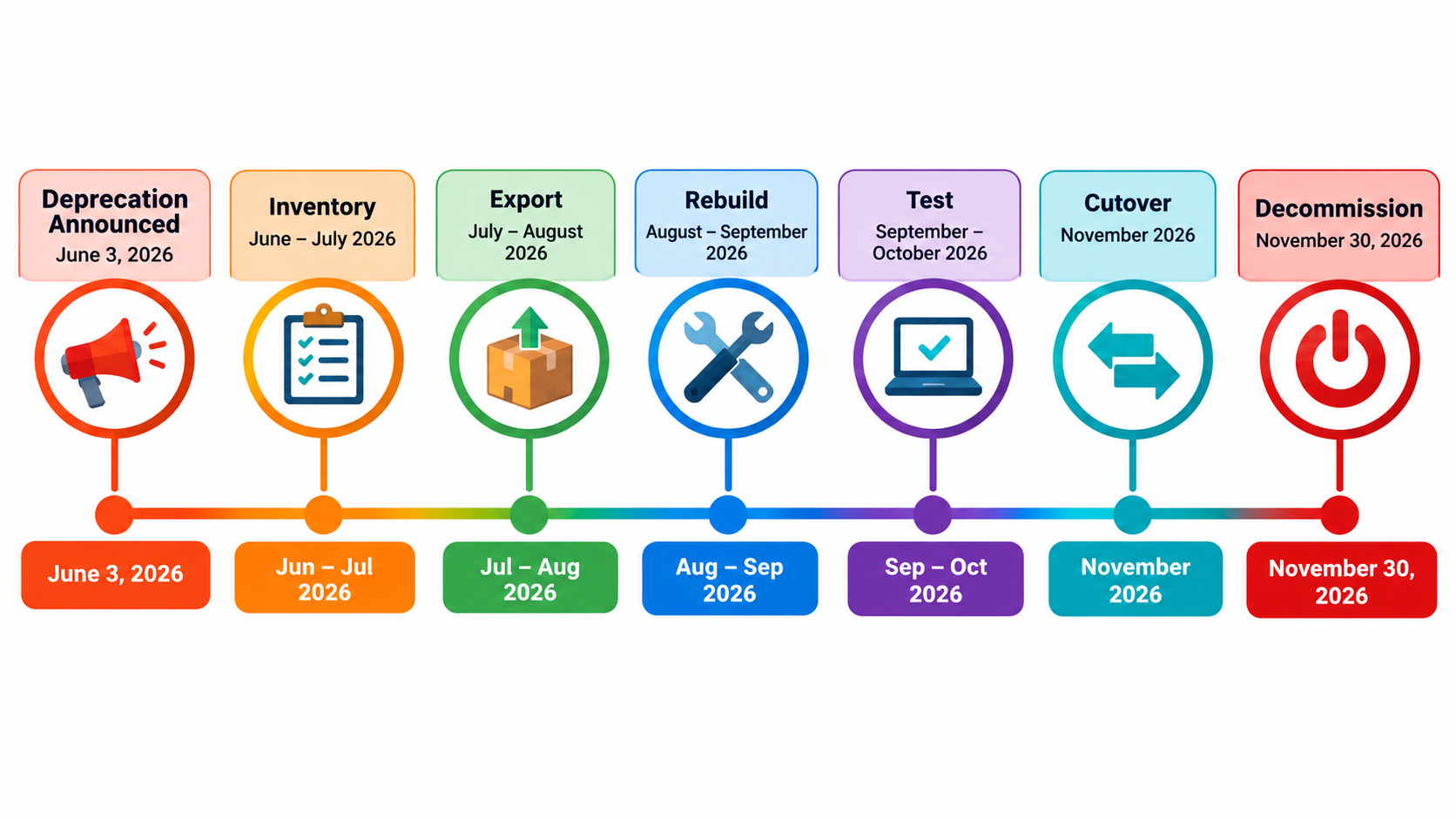
Working backward from November 30 gives a simple schedule. Adjust it to your size.
- Now to mid-summer: complete the inventory, retire dead workflows, export datasets and capture baselines.
- Late summer: export code, choose paths, and rebuild the highest-risk workflows first.
- Early autumn: run regression suites, shadow traffic and security review.
- October: cut over in stages, starting with low-traffic workflows.
- Early November: keep Agent Builder as a fallback only briefly, then confirm all consumers have moved.
- Before November 30: decommission references, rotate secrets and document the result.
Leave a buffer. Dates for vendor shutdowns rarely move in your favor, and your own priorities will interrupt the plan.
Cutting Over Without Breaking Production
Run in shadow first
Send real requests to both versions and compare outputs without exposing the new one. Differences tell you where the export diverged.
Roll out gradually
Route a small share of traffic to the new implementation, watch error rates and cost, then increase. Keep a switch that sends traffic back.
Watch costs
Once you host the workflow yourself, you see and own the operational costs: compute, logging, and model usage. Set budgets and alerts from day one.
Add observability
Log inputs, tool calls and outputs, with sensitive data redacted. Tracing was easier in a hosted tool, so replace it deliberately.
Common Mistakes to Avoid
- Waiting for clarity on hosted IDs. Plan for them to stop working.
- Trusting the export. OpenAI itself says it may not match behavior.
- Forgetting the Evals. Losing your tests turns a migration into guesswork.
- Migrating everything. Retire what nobody uses.
- Skipping owners. A workflow with no owner won’t get migrated.
A Lesson for Your Next Agent Platform
Early success stories were built on the speed of the visual approach. OpenAI cited Ramp building a buyer agent in hours, and LY Corporation launching a multi-agent assistant in under two hours. Those results are reported by OpenAI and show why teams adopted the tool.
The shutdown shows the cost side of that speed: a platform dependency you don’t control. Whatever you build next, keep the logic portable. Store prompts and tests in your own repository, document tool contracts, and keep the vendor-hosted layer thin.
Your Action Checklist
- List every Agent Builder workflow and assign an owner.
- Retire anything unused.
- Export Evals datasets and capture baseline outputs.
- Decide SDK or Workspace Agents for each remaining workflow.
- Export code and review control flow, tools, auth, guardrails and triggers.
- Point ChatKit at your own backend.
- Test, shadow, then cut over in stages.
- Decommission and rotate secrets before November 30, 2026.
The deadline is firm, but the work is manageable if you begin with the inventory. Start there this week.