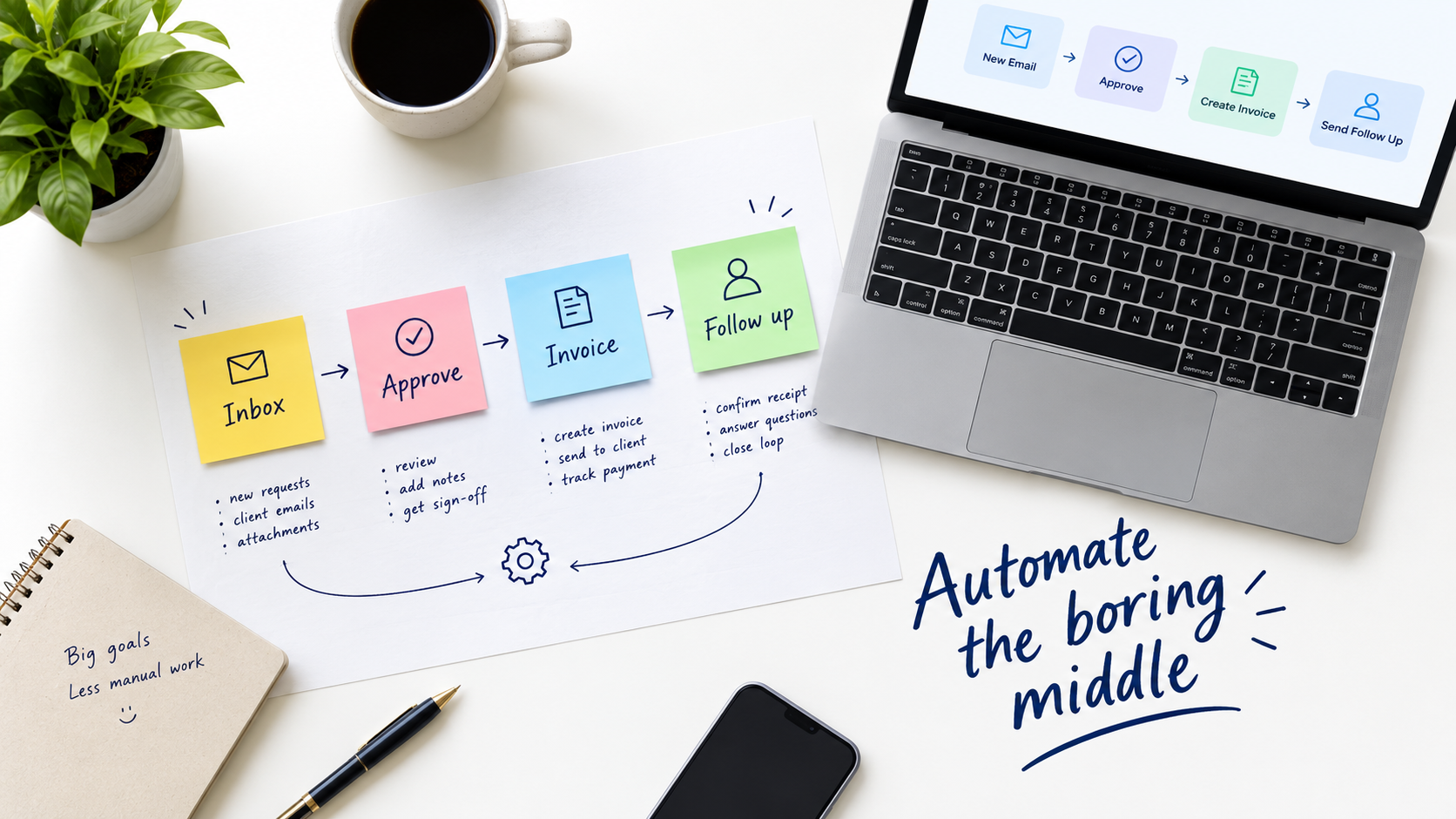

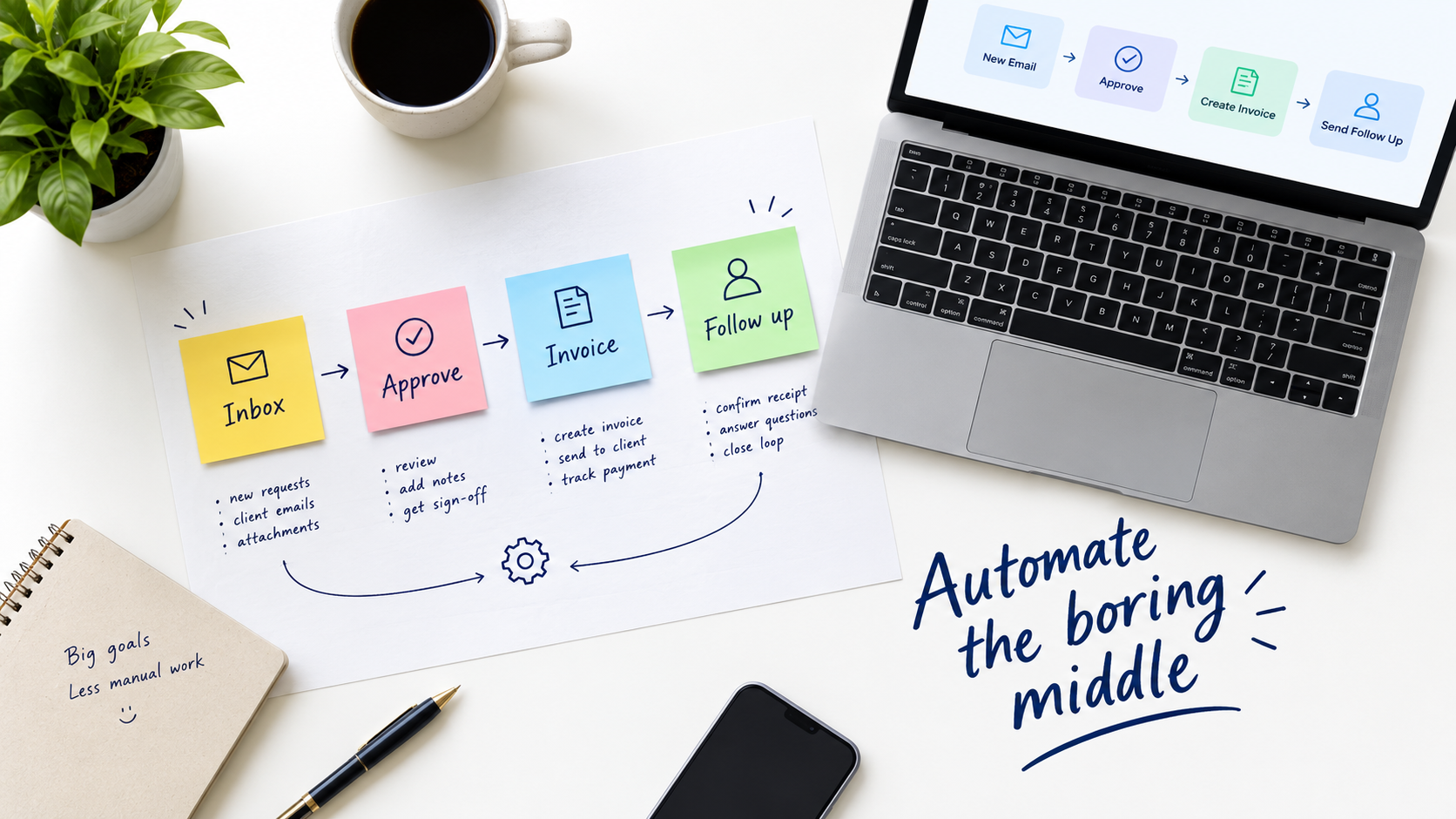
Most advice on AI automation starts with a list of tasks AI can do. That is the wrong starting point. Almost any repetitive task can be automated in a demo. The real question is what happens on the day the automation is wrong.
This article proposes a simple planning tool, the exception budget. It is the number of errors, edge cases and escalations your business can absorb per week without hurting customers, cash or morale. Once you know that number, choosing what to automate becomes much easier.
A note on sourcing: this piece is a framework built from common operational reasoning. It deliberately includes no benchmark statistics, because I could not verify current figures while writing. Treat the numbers in the examples as placeholders, and replace them with your own data.
Why “what can AI do?” leads you astray
Capability lists age quickly and say little about fit. A model that drafts a fine reply to a refund request still cannot know that this customer is your largest account.
Teams that begin with capability tend to automate what is easy to demonstrate. Teams that begin with consequences automate what is safe to get wrong occasionally. The second group usually ends up with systems that stay switched on.
The cost of a wrong answer is uneven
A misrouted internal ticket costs minutes. A wrong invoice amount sent to a client costs trust. A wrongly declined refund can cost a customer. The same error rate is acceptable in one place and unacceptable in another.
What an exception budget is
Every process has a normal path and exceptions. Humans handle exceptions without noticing, using context and judgment. Automation turns each hidden judgment into a visible failure.
An exception budget makes that explicit. For each process, write down three things:
- Tolerable error rate: how often can an output be wrong before someone is harmed?
- Review capacity: how many flagged items can a person check each day?
- Recovery cost: how long and how expensive is it to fix one mistake?
If an automation will generate more flagged items than your reviewer can check, it is over budget before it launches. That is a design problem you can see in advance.
Step one: map the process as it actually runs
Do not start from the written procedure. Sit with the person who does the work and watch. Note every time they check something, ask someone, or make a call that is not written down.
Those moments are your exceptions. Count them across a sample of, say, fifty cases. The share of cases that needed a judgment call tells you far more than any vendor claim.
Questions to ask while mapping
- What information does the person look at that is not in the system?
- When do they stop and ask a colleague?
- What do they do when inputs are missing or contradictory?
- Which cases do they quietly handle differently for certain customers?
Step two: score tasks on volume and rule clarity
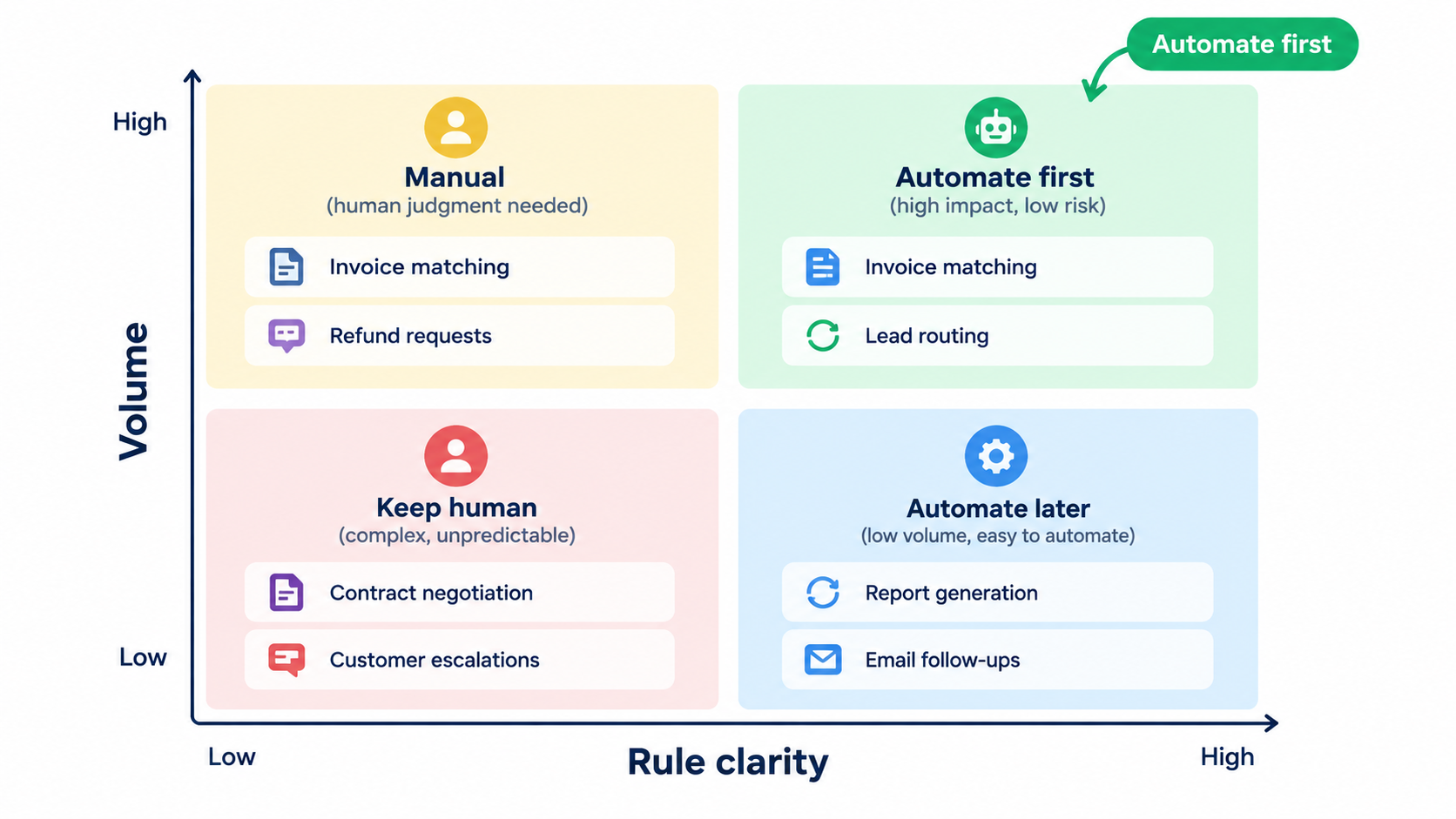
Plot candidate tasks on two axes. Volume is how often the task occurs. Rule clarity is how consistently two competent people would reach the same answer.
- High volume, clear rules: automate first. Examples include invoice matching, lead routing and appointment reminders.
- High volume, fuzzy rules: use AI to draft, and keep a human approving. Customer replies and content summaries fit here.
- Low volume, clear rules: often a simple script or template is enough. AI adds little.
- Low volume, fuzzy rules: leave with people. Negotiations and sensitive decisions belong here.
Step three: pick the right level of autonomy
Automation is not on or off. There are at least four levels, and most processes should start at the lowest one.
- Suggest: AI proposes, a person does the action.
- Draft: AI prepares the action, a person approves with one click.
- Act with sampling: AI acts, and a person reviews a random sample.
- Act with alerts: AI acts, and a person only sees anomalies.
Move up a level only after the evidence from the level below shows errors sit within your budget. Moving down must be just as easy, so build a visible off switch.
Step four: design the exception path first
Most failed automations have a good happy path and no plan for the rest. Build the escalation route before the clever part.
What a good exception path includes
- A clear named owner for flagged items, not a shared inbox no one watches.
- The original input, the AI output and the reason for the flag in one view.
- A service-level expectation, such as same-day review for customer-facing items.
- A way for reviewers’ corrections to be recorded so patterns can be fixed.
The correction log is the most valuable asset the project produces. It shows exactly where your process rules were vague.
Step five: choose a first project that is boring on purpose
Good first projects are internal, frequent and reversible. Think of sorting incoming email, extracting fields from documents, tagging support tickets or preparing meeting notes.
Avoid starting with anything that sends money, makes legal commitments or speaks to customers without review. You can reach those later, once your team trusts the process and you know your numbers.
Step six: measure what matters
Hours saved is the headline metric, but it is easy to inflate. A task that takes ten minutes less but needs eight minutes of checking has saved two.
Track these instead:
- Net handling time: including review and correction.
- Exception rate: the share of cases flagged or corrected.
- Rework cost: time spent fixing automation errors downstream.
- Cycle time: how long a customer or colleague waits from request to result.
Record a baseline for two to four weeks before launch. Without it, every later number is an opinion.
Step seven: handle data, privacy and vendors with care
Before connecting a tool to customer data, check where the data goes, whether it is used for training, and how long it is retained. Ask vendors for these answers in writing.
Give automations the minimum access they need. An agent that only reads invoices should not be able to edit your accounting records. Use separate credentials so you can revoke one without disrupting others.
Also check the rules for your industry and region. Requirements around automated decisions and personal data vary, and a professional adviser should confirm what applies to you.
Step eight: prepare the people
Automation changes jobs even when nobody is replaced. Reviewers move from doing to checking, and that is a different skill that needs attention and time.
Be direct about intent. If the goal is to remove drudgery and handle growth without hiring in the same proportion, say so. Involve the people who do the work in mapping and testing, since they know where the exceptions hide.
Common failure patterns
Automating a broken process
If two staff members handle the same case differently, automation will fix one version in place and annoy the other. Standardise first.
No owner after launch
Models, prompts, inputs and policies change. Without a named owner, quality drifts and nobody notices until a customer complains.
Chasing full autonomy
Eliminating the last human check often costs more than it saves. A sampled review at a fraction of the effort is usually the better trade.
Counting savings that never reach the budget
Saved minutes scattered across many people rarely turn into cash. Decide in advance whether the benefit is capacity for growth, lower cost or faster service.
A simple 30-day plan
- Week 1: list ten candidate tasks and shadow the people who perform them.
- Week 2: score them, pick one, and write its exception budget.
- Week 3: build at the “suggest” or “draft” level and log every correction.
- Week 4: review the numbers, fix the rules the corrections exposed, and decide whether to raise autonomy.
Conclusion: automate what you can afford to get wrong
AI automation succeeds when it is sized to your capacity to catch mistakes. The exception budget gives you a way to say that in numbers: tolerable error, review capacity and recovery cost.
Start with a boring, high-volume process. Keep a human in the loop, design the exception path first, and measure net time rather than gross. Raise autonomy only when your own data supports it.
Do that a few times, and you will have a working automation practice built on evidence from your own operations rather than on someone else’s demo.